
To enable and disable views, use the Analysis menu item or the Analysis toolbar.
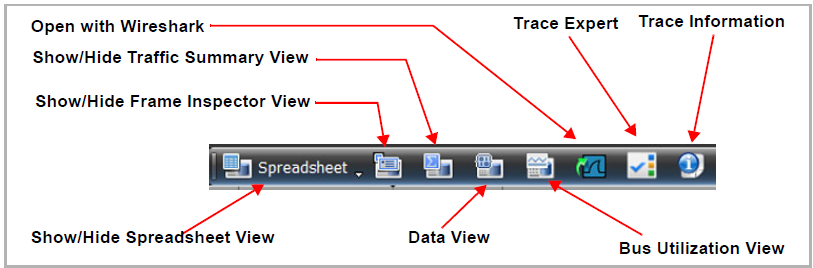
-
After you select a view, it appears in a separate window.
-
To increase the new window display size, use Zoom in and Zoom out from the View menu item or the buttons from the View Toolbar.
-
To rearrange the tiling, select the Window menu and choose Window Cascade or Window Tile.
Topics in this section include:
-
Spreadsheet View
-
Exchange View
-
Frame Inspector View
-
Traffic Summary View
-
Data View
-
Bus Utilization View
-
Export to Wireshark
-
Trace Expert
-
Trace Information