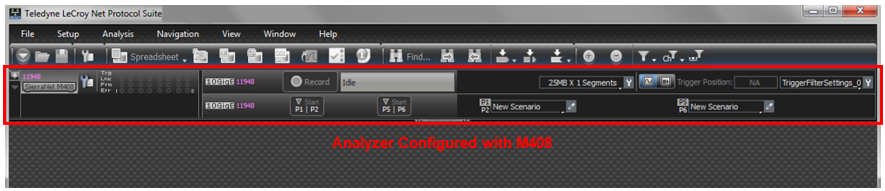
To perform protocol analysis, the system defines and runs an analysis project for either Ethernet or Fibre Channel (FC), depending on the licensed features of the analyzer to which you are connected. An analysis project defines what to capture, what the analyzer triggers on, and the memory settings. You can save defined projects as project *.gep files for later use. A captured trace is saved in a file with the .get extension.
After you install the Analyzer software (see Software Installation and Setup) and set up the analyzer (see Hardware Setup):
-
Launch the software (see Using the Net Protocol Suite ) to display the main window.
-
Configure the analyzer (see New Projects).
The main screen displays the menu nar, the toolbars, and the selected analyzer configuration.