Click the 
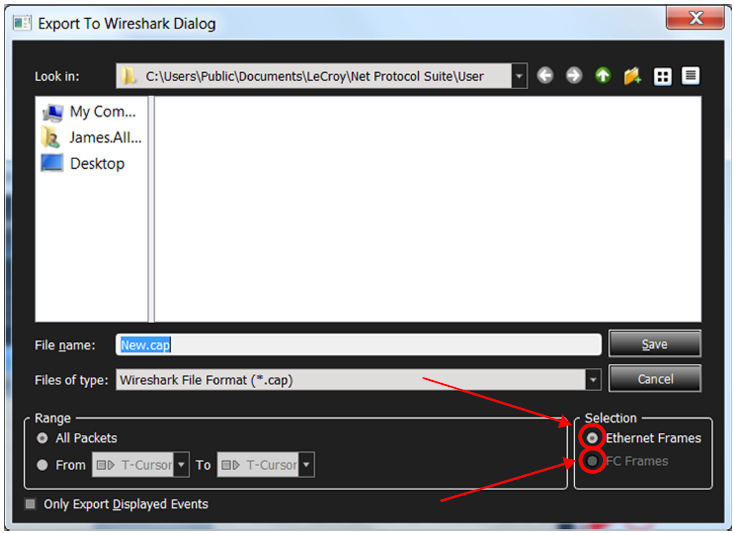
The Export to Wireshark dialog (Figure 5.114) has an option to choose between Ethernet and FC export. The option is only available if the trace contains both protocols. Only the chosen protocol frames will be exported. To get both types exported the user will have to do the export twice, choosing a different protocol each time.