
To add a Classic Bluetooth Device Address to the resolving list, open the Wireless tab in the Record Options and select the Add button.
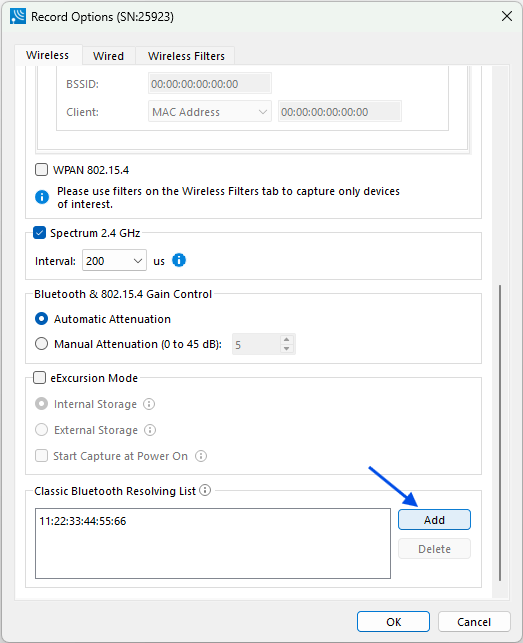
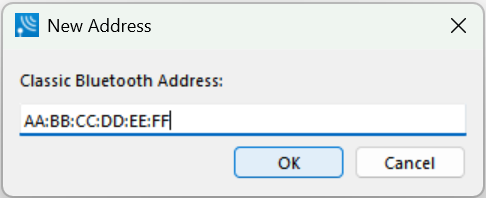
Enter the Classic Bluetooth Address and click OK.
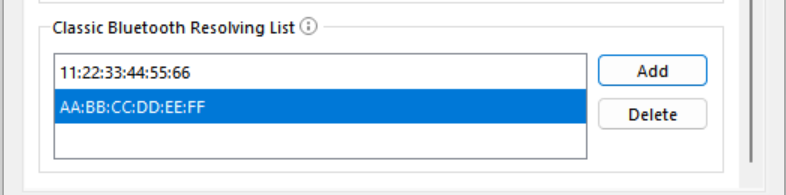
To remove a Classic Bluetooth Device Address that is on the list, select that address and click the Delete button.