The following sections describe how to navigate through the data and how to find specific data or packet conditions of interest to the user.
Search
The Wireless Protocol Suite Analysis software has a simple Search function that you can use to search the Summary and Decode Panes for any string during live data capture or viewing a capture file.
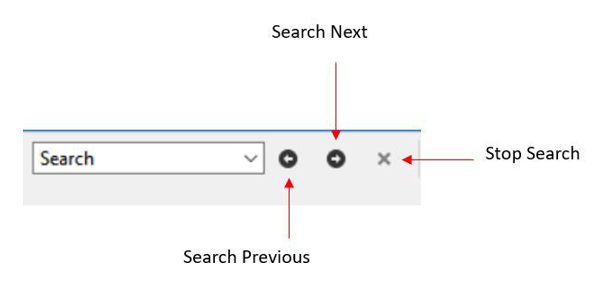
When you enter a search string and select Enter, the search moves forward. The Search Next button or F3 shortcut allows you to find next matching string. Similarly, the Search Previous button or Shift + F3 allows you to find previous matching string.
Search is not case sensitive. The status of the search appears at the bottom of the dialog. The search occurs only on the protocol layer selected. The search is canceled when you select a different protocol tab during a search.
You can cancel the search at any time by selecting the Stop Search button.
Go To
Go To searches for a Frame number in the Summary pane.
The Go To function is activated by selecting Edit > Go To… in the Main window menu, as shown below.
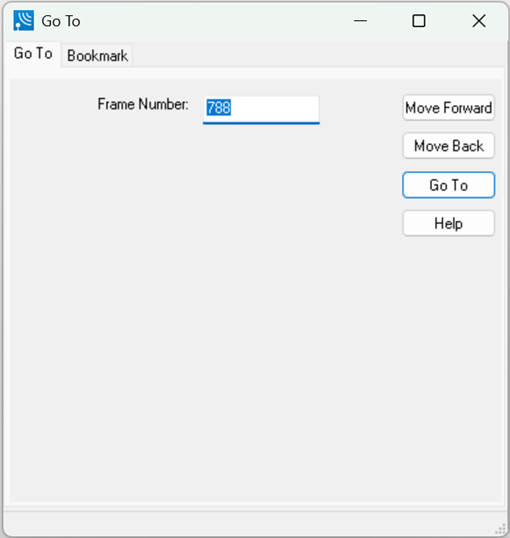
Select Go To > Move Forward or Go To > Move Back to continue the search.
"Move Forward" and "Move Back" jump forward or back by the number of frames equal to the frame number entered in the dialog box, while "Go To" always jumps to the exact frame number provided.
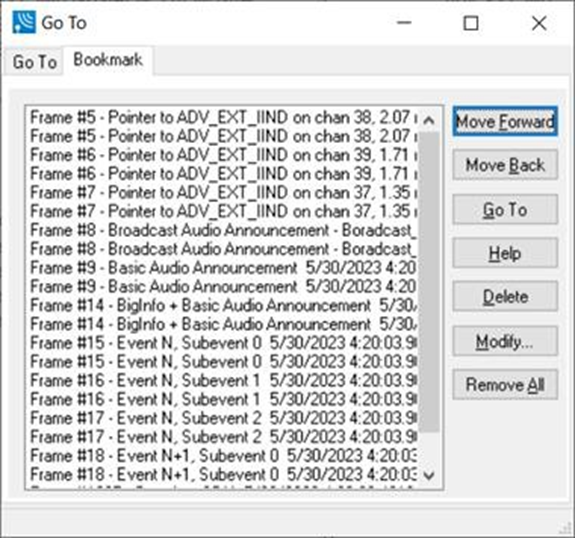
You can also navigate bookmarks in the Go To dialog using Bookmark tab. The details about the Bookmark feature are covered in the next section.