
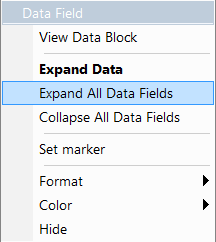
The data field pop-up menu has an option for viewing the raw bits in a data field.
To view raw bits:
-
Click the data field to open its pop-up menu.
-
Select View Data Block or click the

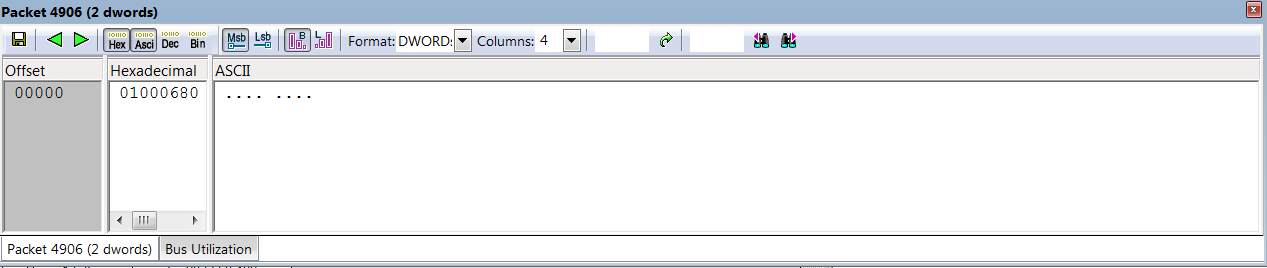
The View Data Block window has options for displaying the raw bits in different formats:
-
Format: Lets you display data in Hex, Decimal, ASCII or Binary formats.
-
Show Per Line: Lets you control how many bits are displayed per line.
-
Bit Order: Most Significant Bit, Least Significant Bit.