
You can create, view, or edit the 100-character comment field associated with each Trace file. These comments are visible in Windows Explorer if the Comments attribute is included in the Details view.
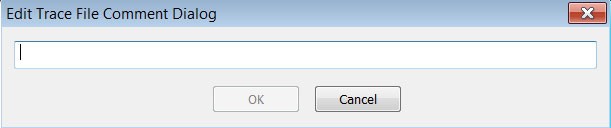
Select Edit Comment under File on the Menu Bar. You see the Edit comment for trace file window:
-
Create, view, or edit the comment.
-
Click OK.
-
To view comments in Windows Explorer, select the Comments attribute.