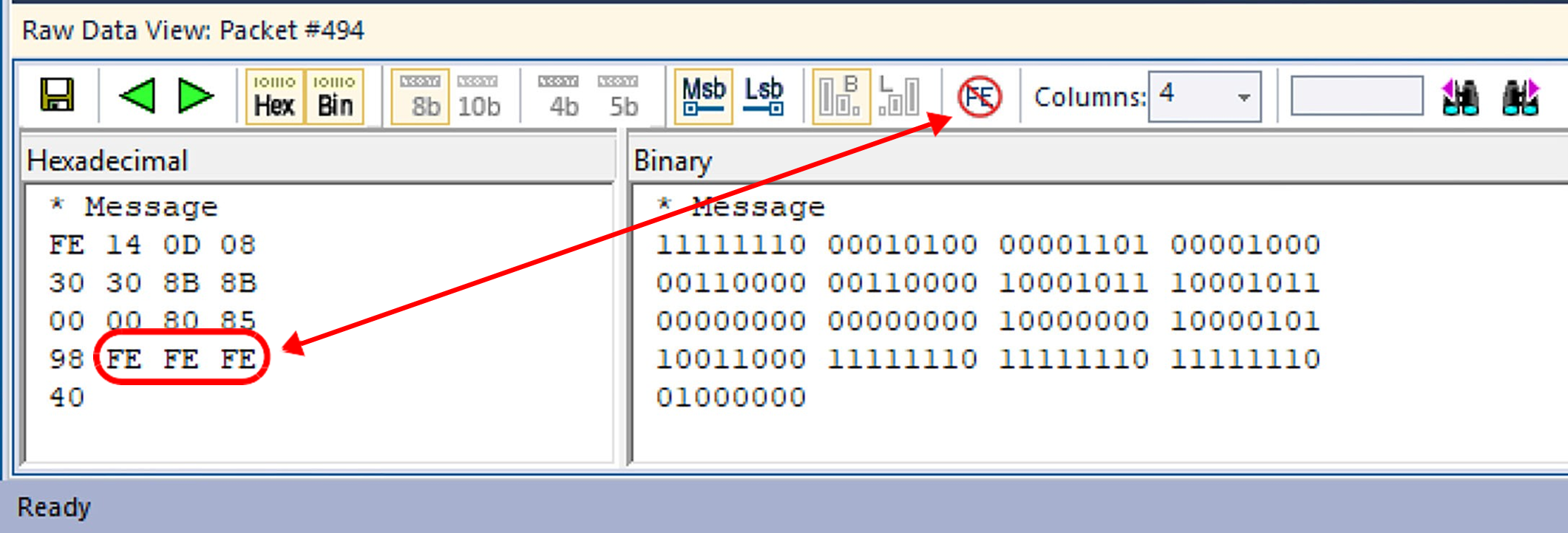
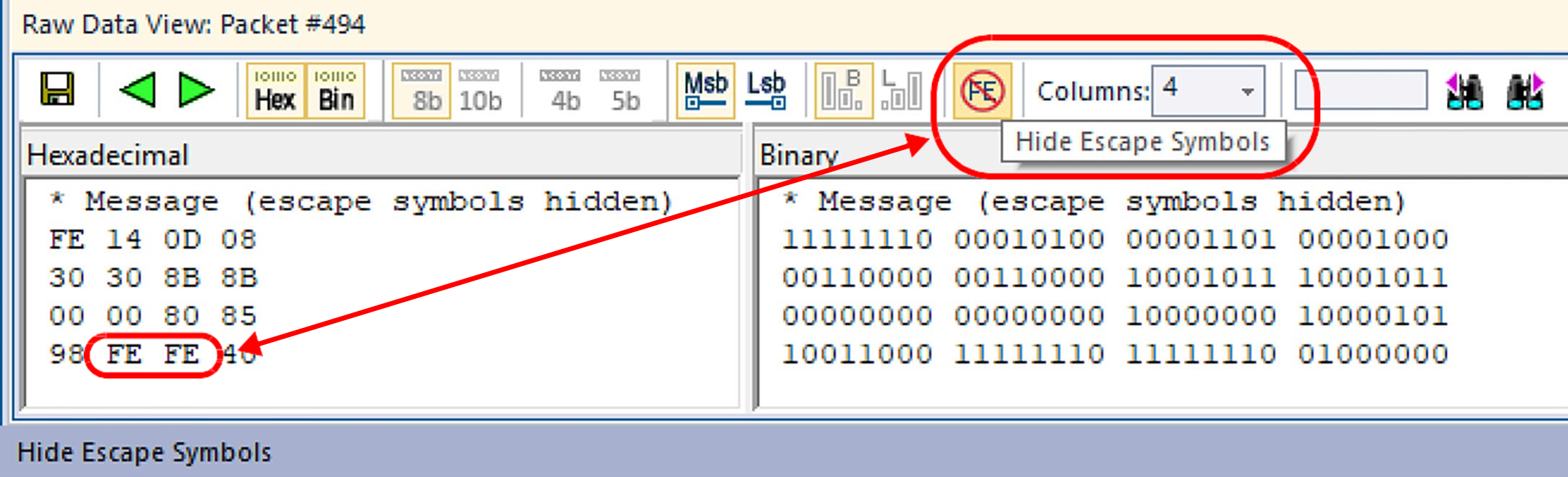
This dockable view allows you to see the raw values of the entire packet as they were seen in the PHY layer. Note that the Bit Stuffing used for NRZI encoding on USB 2.0 is not shown here; you will need to right-click on the 2.0 packet and select Show Raw Bits to see that. This view enables you to switch from 4-bit to 5-bit encoding values of Power Delivery, and to see the Preamble and SOP values. For USB 2.0 traffic, you can change the display to show Least significant bit (Lsb) Mode, which is how the bits travel over the wire, or Most significant bit (Msb) Mode, which presents byte values that we are familiar with.
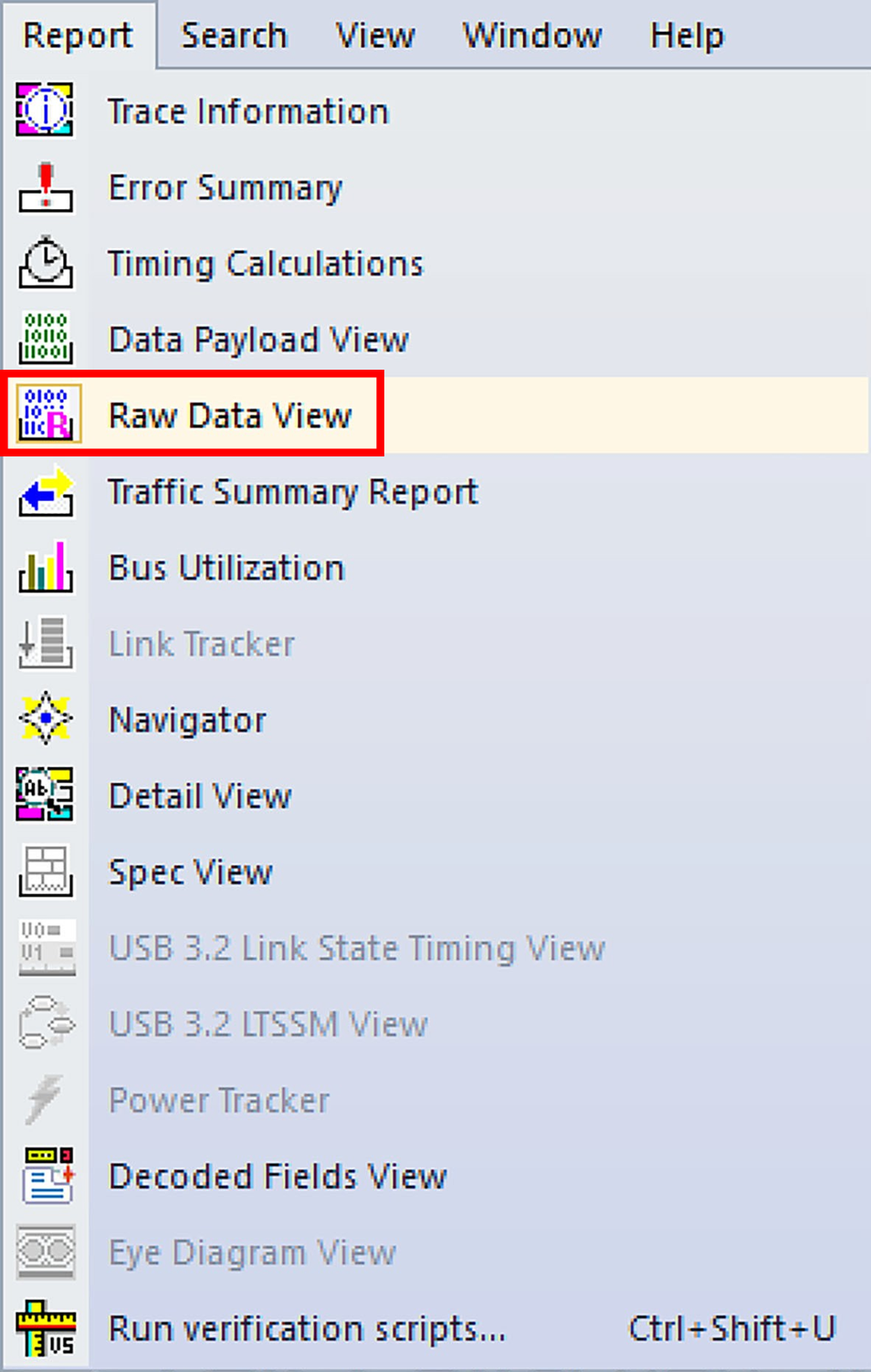
To open the Raw Data View, select the 
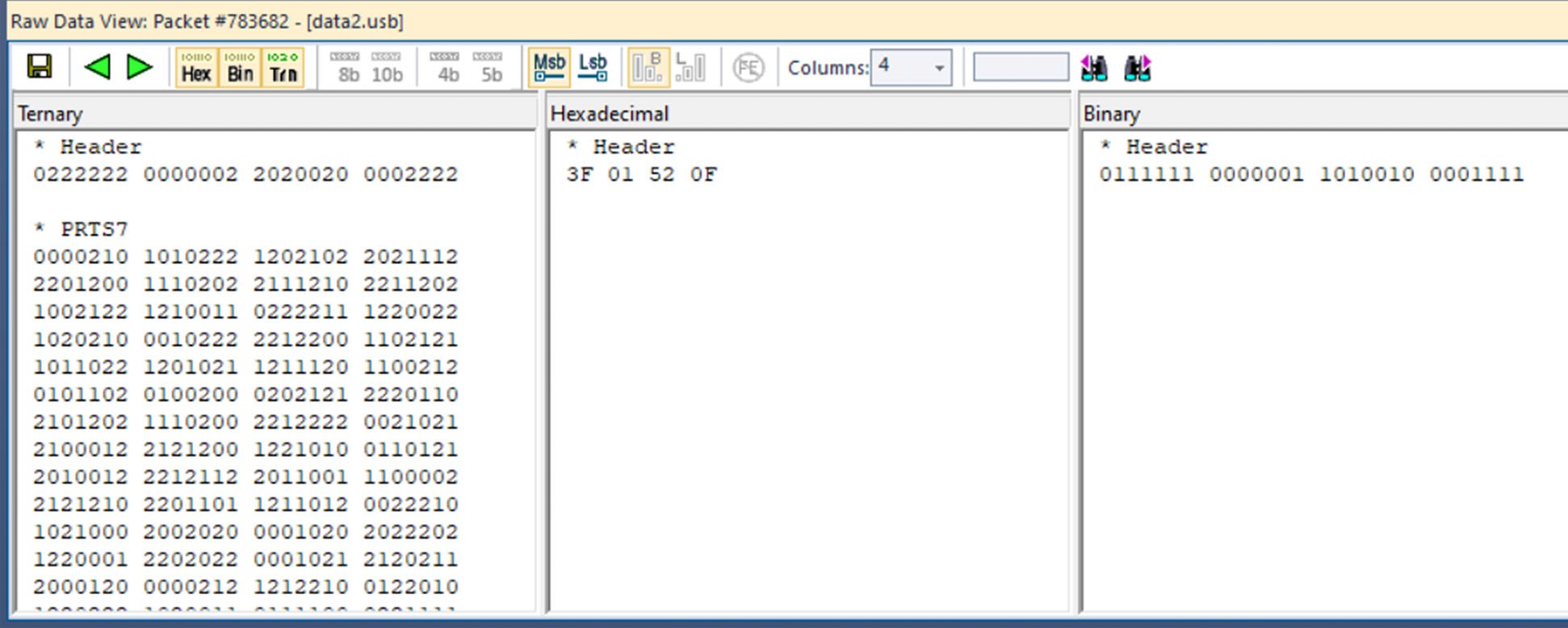
The Raw Data View toolbar buttons allow you to:
-
Save
-
Go to Previous or Next packet in the trace
-
Display Hexadecimal, Binary, or Ternary
-
Display data in 4 or 5 bits
-
Use Msb Format or Lsb Format
-
Hide Escape Symbols
-
Arrange the Data in 1, 2, 4, 8, 16, 32 or 64 columns
-
Type in a value and then Search Previous or Search Next

The following image shows an example of Raw Data from a packet in a trace:
Hide Escape Symbols
If you have a transaction with multiple escape symbols, Show or Hide the Escape Symbols by clicking