
The Detail View window shows packet details.
To open the Detail View window, select Report > Detail View or click the 
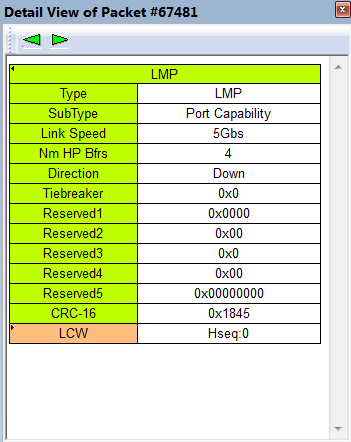
The Detail View toolbar buttons allow you to Go to Previous or Next. Expanding a data field displays the Data View.
Detail View and Spreadsheet View
To put a Detail View header in the Spreadsheet View, drag the header to a column divider in the Spreadsheet View.
NOTE: Selecting a field in Detail View highlights the corresponding field in Trace View and Spec View. See Field Highlighting.