
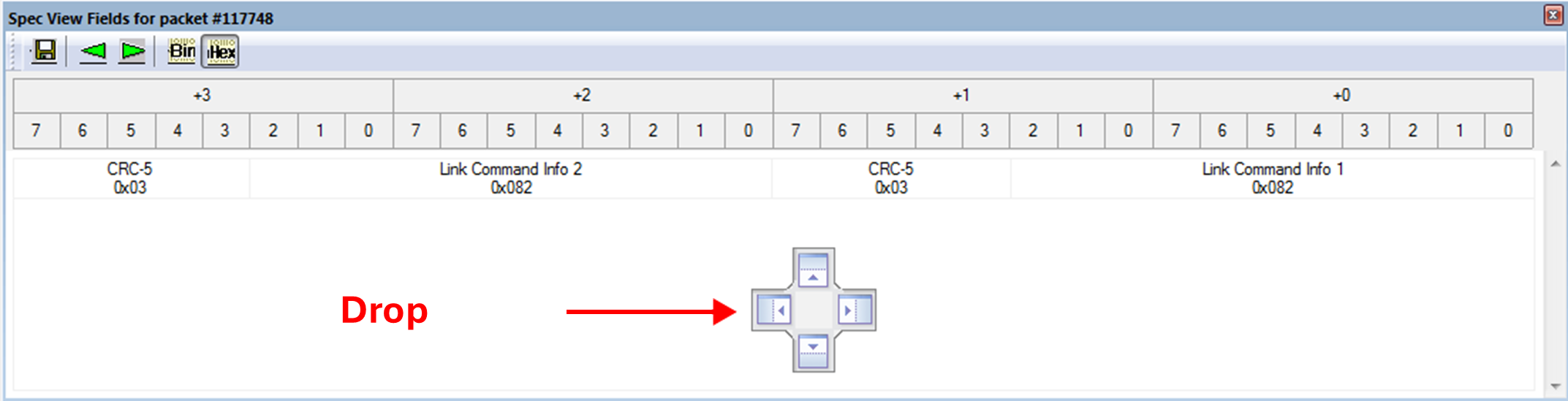
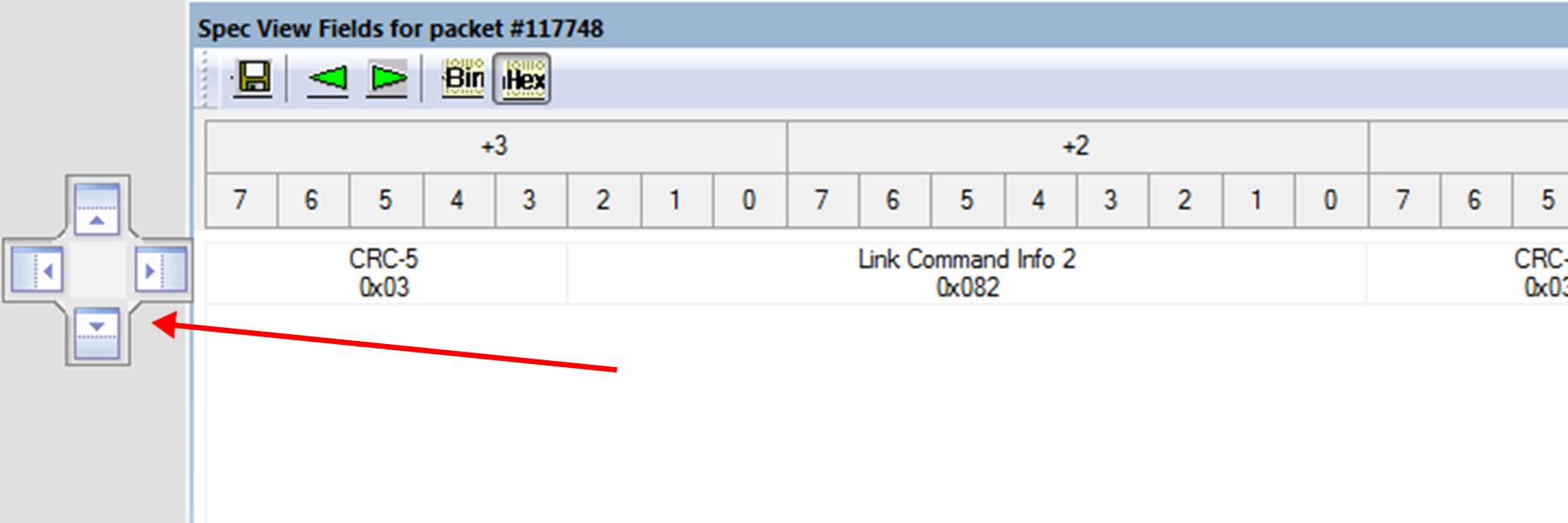
Most report views can be docked or converted to tabs. To help guide docking, drop targets are provided so that you can drag the cursor to those locations and be confident of the location your window will be docked. See images below for examples.
NOTE: When you open a report view, the software attempts to apply the user preferences used when you most recently viewed the report.
-
If you have any trouble with your view windows, and want to set it back to the default, select View > Restore views to default positions.