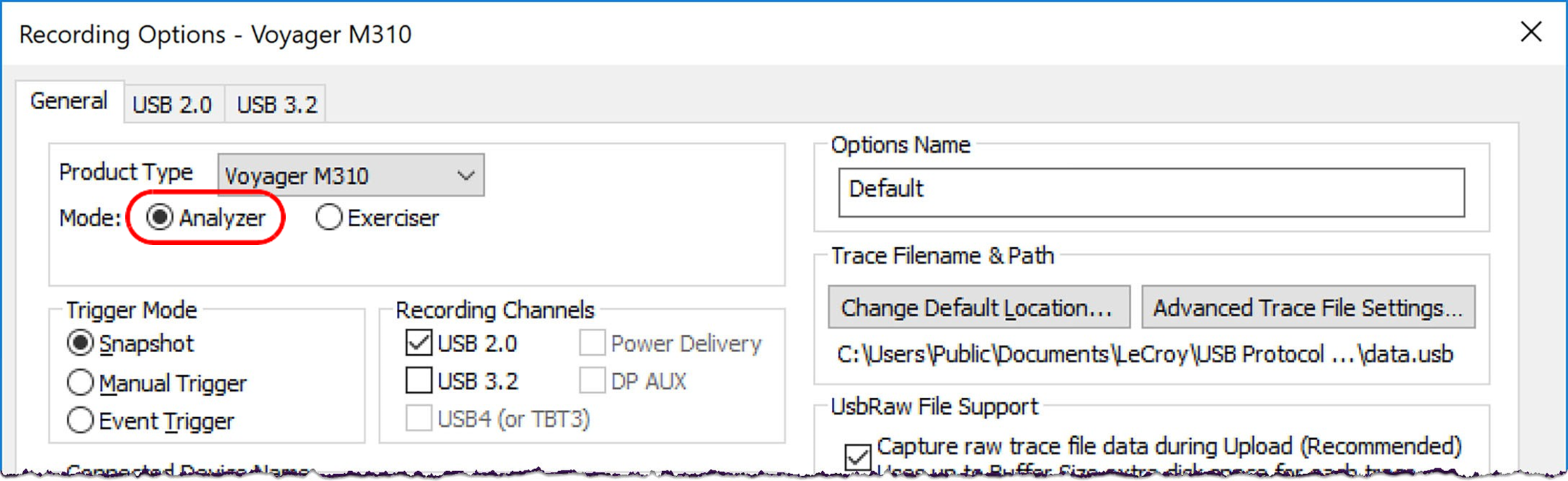
Use Recording Options to create and change various features that control the way information is recorded by the analyzer.
To open the Recording Options dialog box:
-
Go to Setup > Recording Options. OR
-
Click on the Toolbar.
The Recording Options window always opens with the General tab showing.
NOTE: Recording Options not supported by your hardware either appear inactive or are not shown.
Recording Options and tabs vary depending on the analyzer chosen in the Product Type drop-down menu. Below is the Recording Options dialog box for the Voyager M310 (Analyzer Mode), in Simple Mode.