
To display a Trace Information report, select File Information under Report in the Menu Bar,
or click 
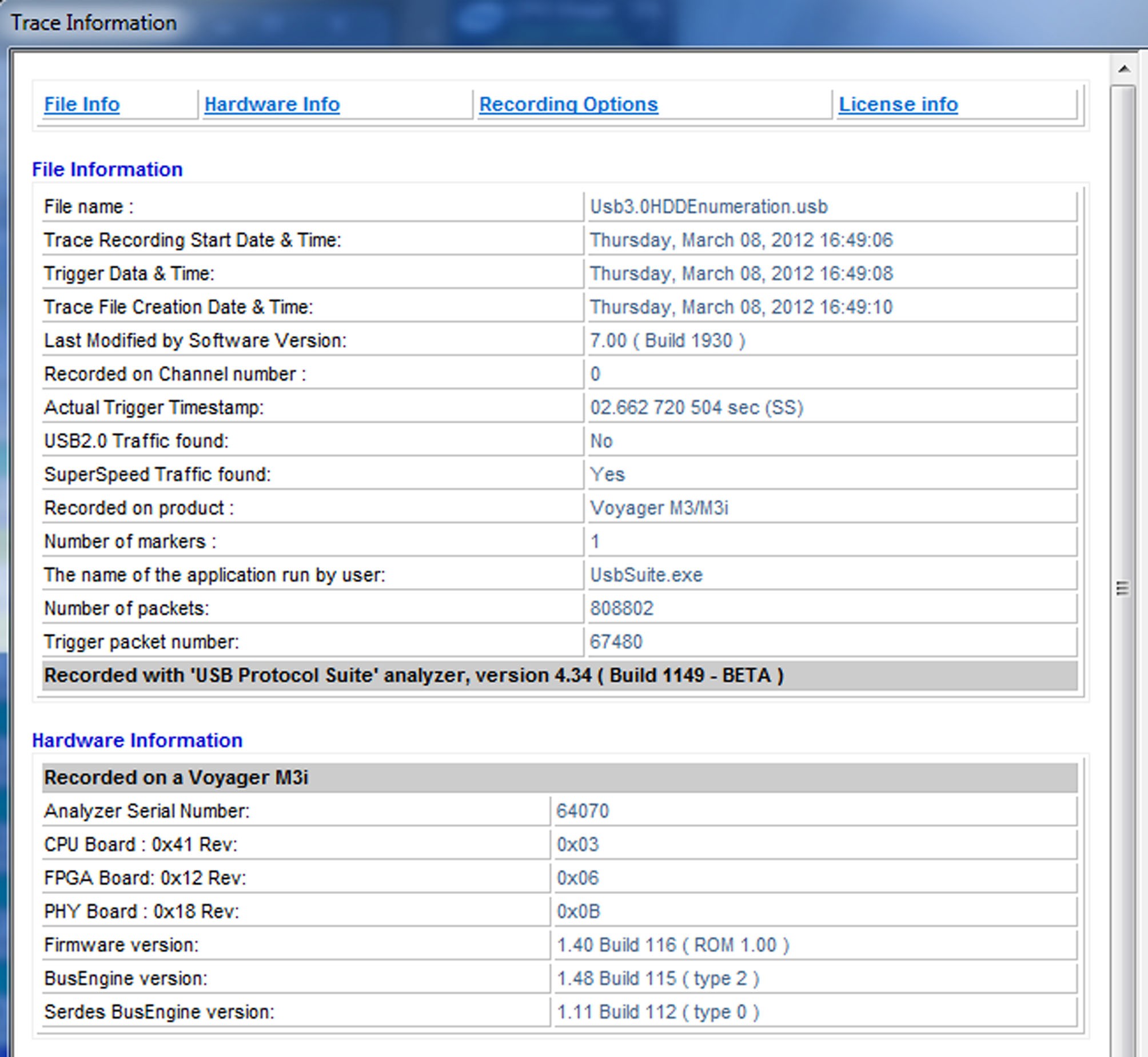
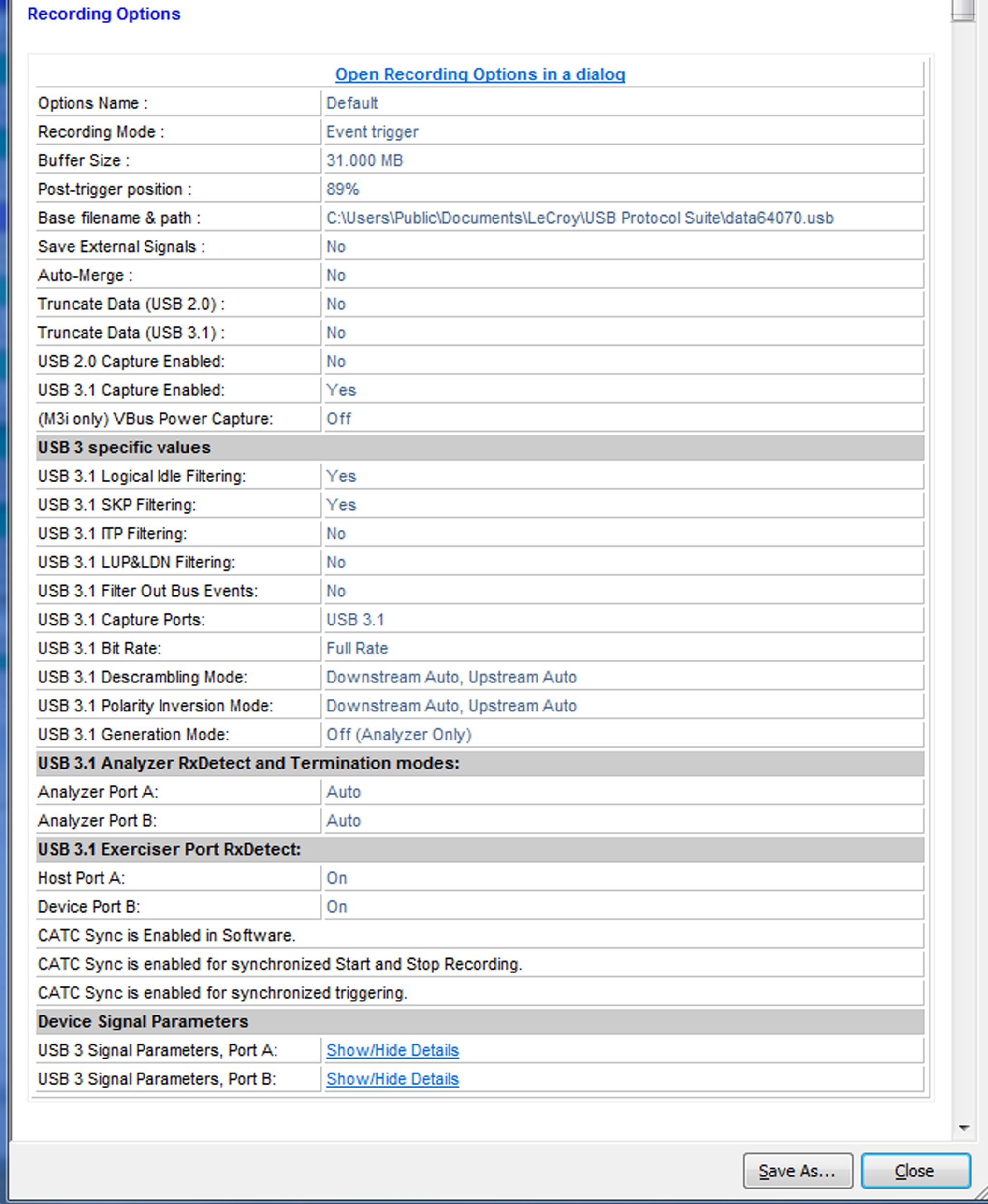
The Trace Information report provides information about how the recording was made, what the buffer settings were, what the trigger options were, and what version of all the analyzer hardware was used to make the recording.
The Open Recording Options in a dialog link loads a copy of the recording options that existed when the file was recorded.
To see the Device Signal Parameters that were used for your 3.2 captures, click Show/Hide Details for the appropriate port to expand the information.