
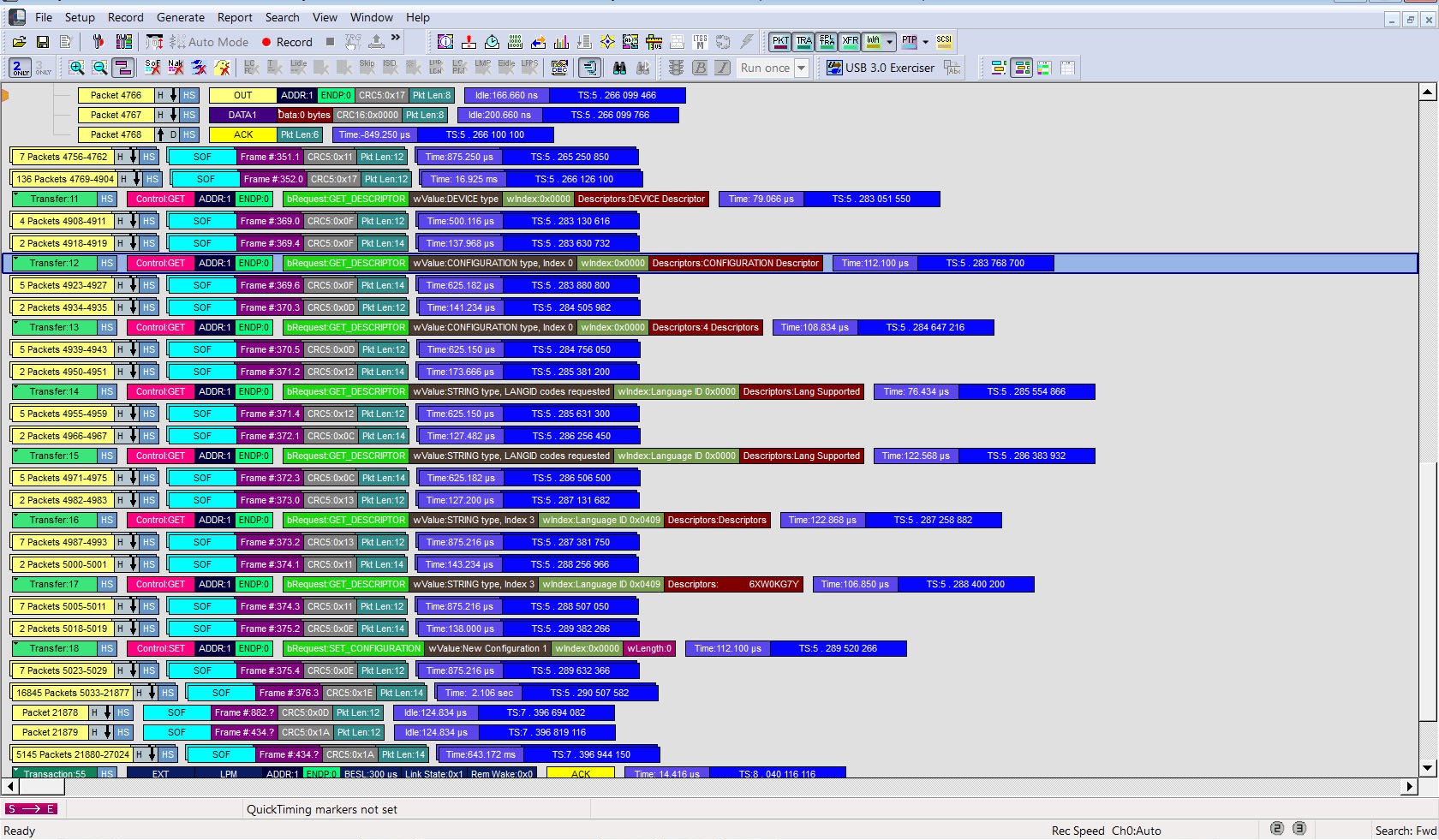
The Compressed CATC Trace view shows fields in the format “Attribute: Value”, whereas the normal CATC View shows the attribute name on top and the value below.
The Compressed CATC Trace view has almost all the information of the normal CATC View and behaves mostly the same way, while displaying more information on each window (see image below).
To compress the CATC Trace:
-
Click

OR
-
Go to View > Trace Views > Compressed CATC Trace.
-
Click

OR
-
Select View > Trace Views > CATC Trace.