By default, no data packets, transactions, Start-Of-Frame packets, PIDS, or bus conditions are hidden.
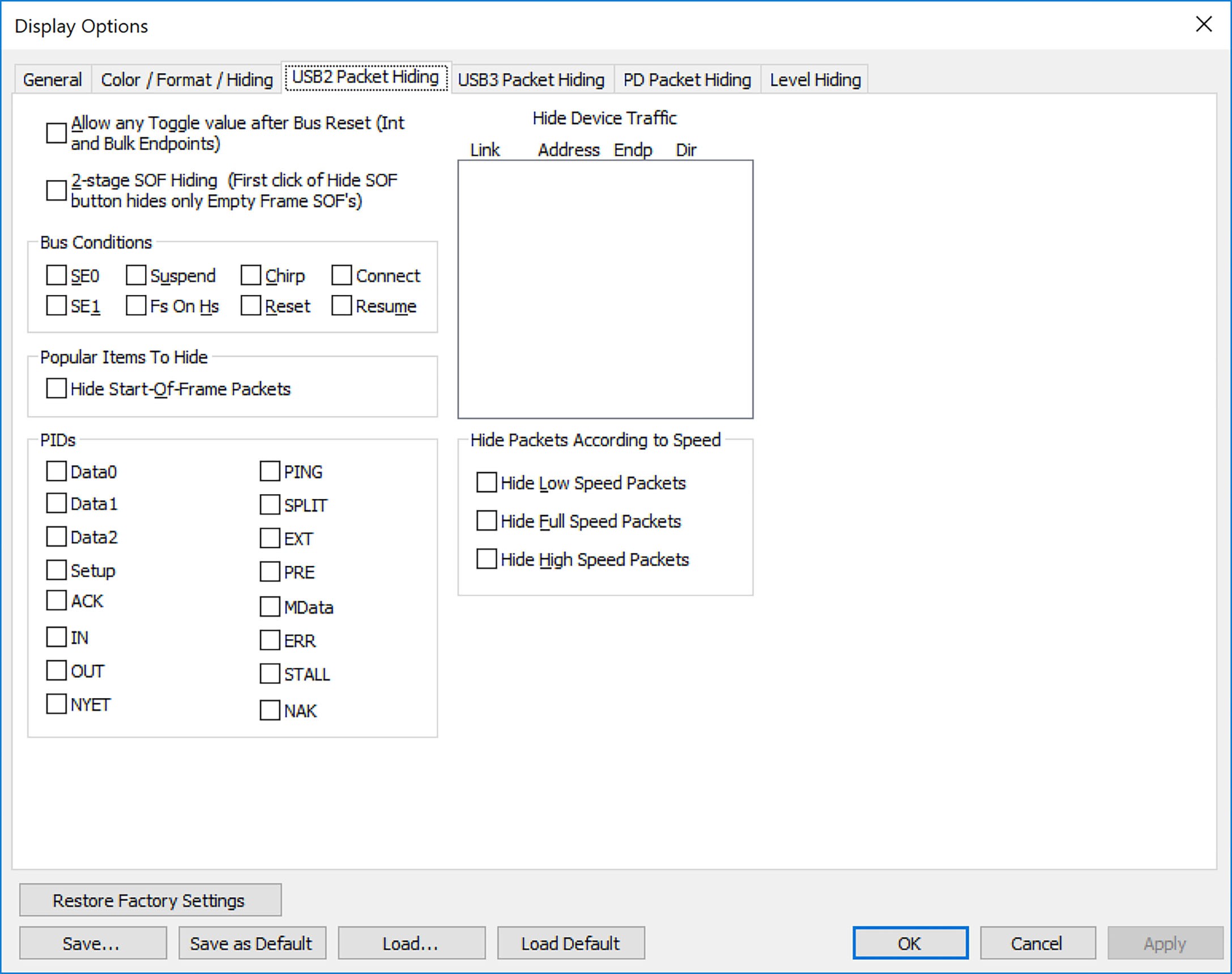
USB2 Packet Hiding
You can hide:
-
Start of Frame packets
-
NAK’d transactions
-
Chirp Bus conditions
-
Reset Bus conditions
-
SE0 Bus conditions
-
High, Full, or Low Speed packets
-
Channel 0 or Channel 1 packets
You can allow any toggle value after bus reset (Int and Bulk Endpoints). Depending on the device, after Bus Reset the endpoint toggle state might or might not be reset. Selecting this option prevents display of a toggle violation error.
You can have 2-stage SOF hiding. You can display all SOFs, hide all SOFs, or hide empty SOFs (show only SOFs with endpoint traffic and hide empty frames). Selecting this option allows you to hide empty SOFs with one click of the Hide SOF button or hide all SOFs with two clicks of the Hide SOF button.
Select the USB2 Packet Hiding tab, then select the data types to hide
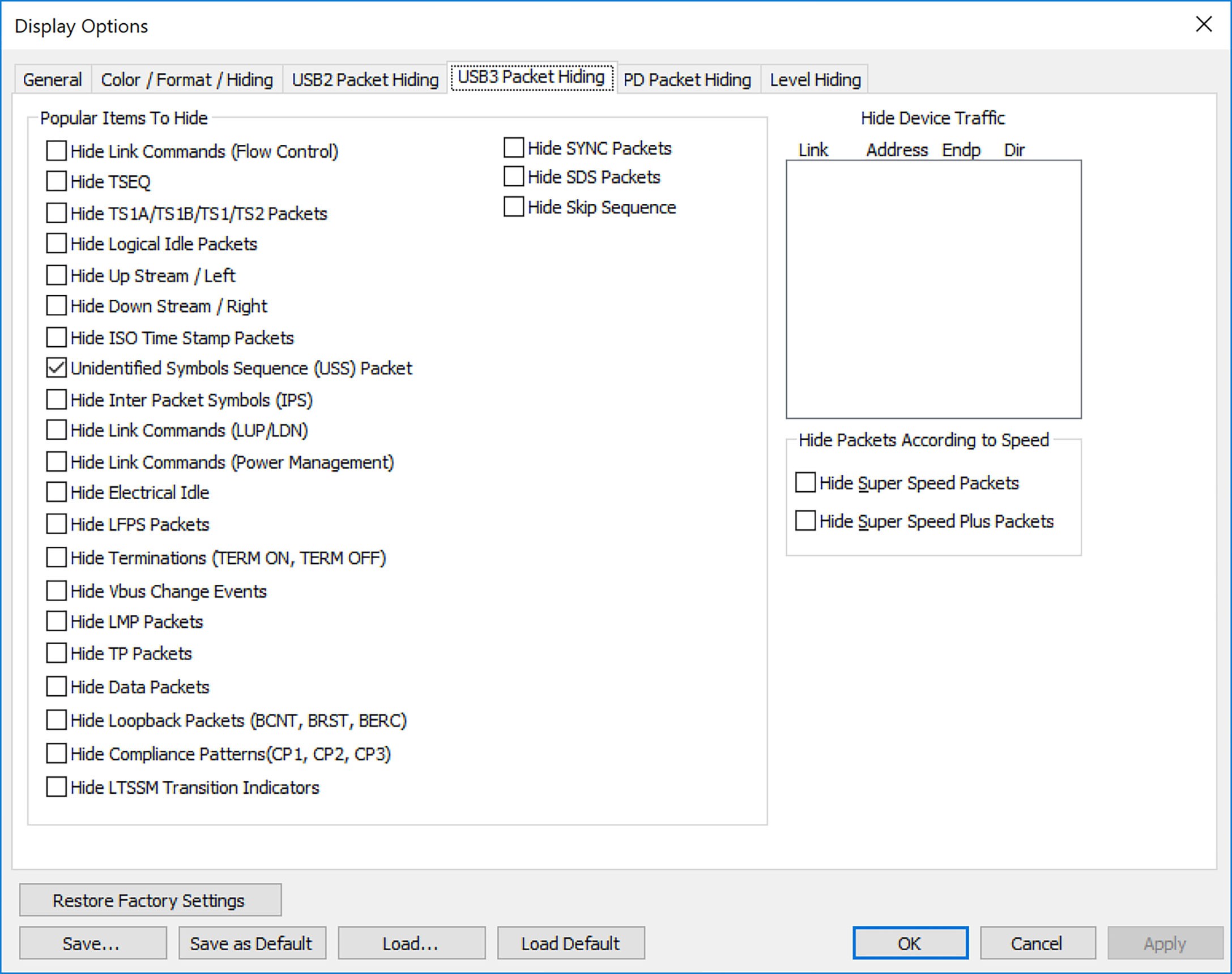
USB3 Packet Hiding
You can hide:
-
Link Commands (Flow Control)
-
Training Sequences (TSeq)
-
Training Sequences (TS1, TS1A, TS1B, TS2, TSeq)
-
Logical Idle Packets
-
Upstream Packets
-
Downstream Packets
-
Skip Sequences
-
ISO Time Stamp Packets
-
Inter-Packet Symbols (unexpected packets)
-
Link Commands (Power Management)
-
Electrical Idles
-
LFPS Packets
-
Terminations (TERM ON, TERM OFF)
-
VBUS Change Events
-
LMP Packets
-
TP Packets
-
Data Packets
-
Loopback Packets (BCNY, BRST, BERC)
-
Compliance Patterns (CP3)
-
LTSSM Transition Indicators
-
SYNC Packets
Select the USB3 Packet Hiding tab, then select the data types to hide.
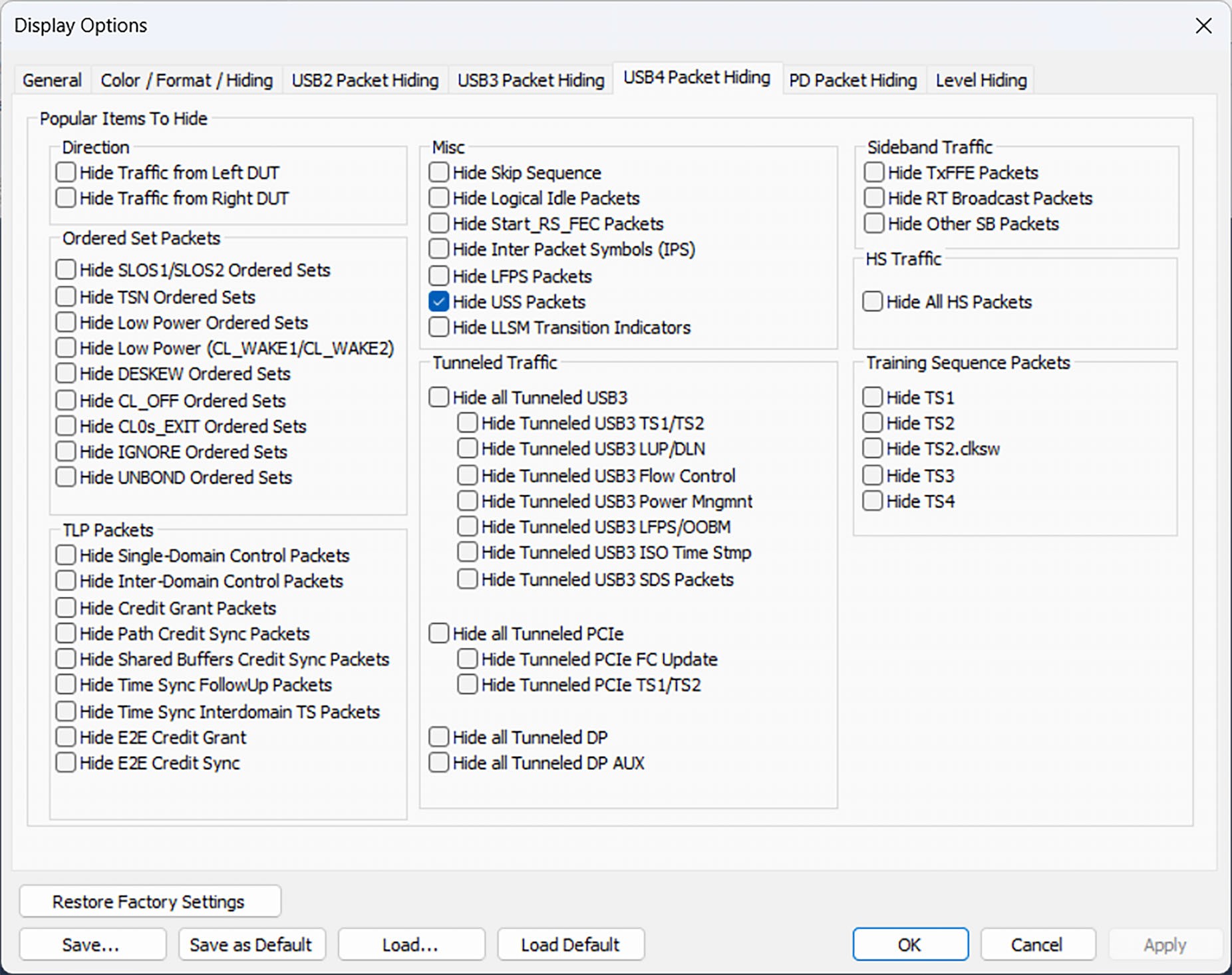
USB4 Packet Hiding
USB4 Packet Hiding options are shown in the image below.
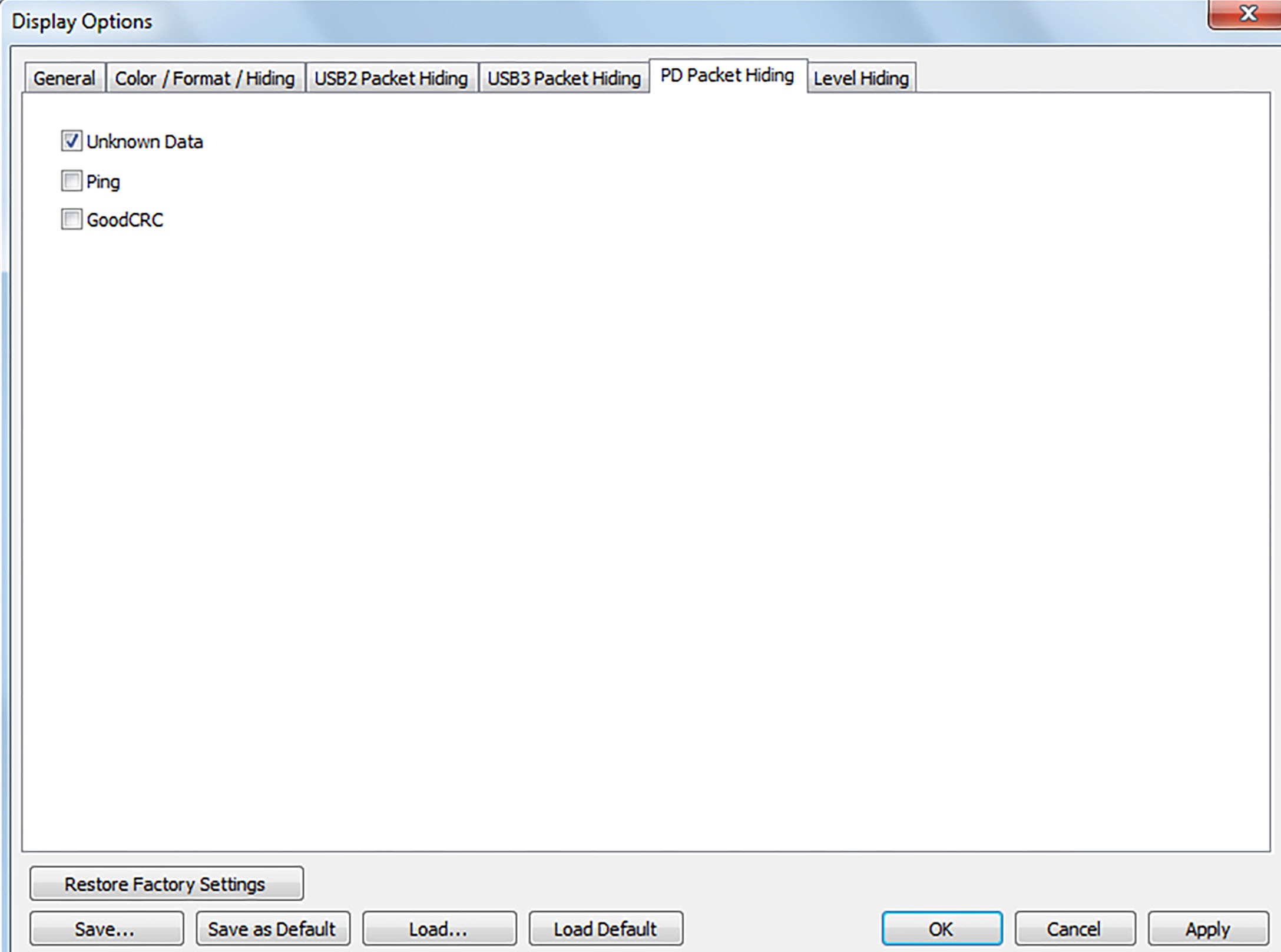
PD Packet Hiding
PD Packet Hiding options are shown in the image below.