
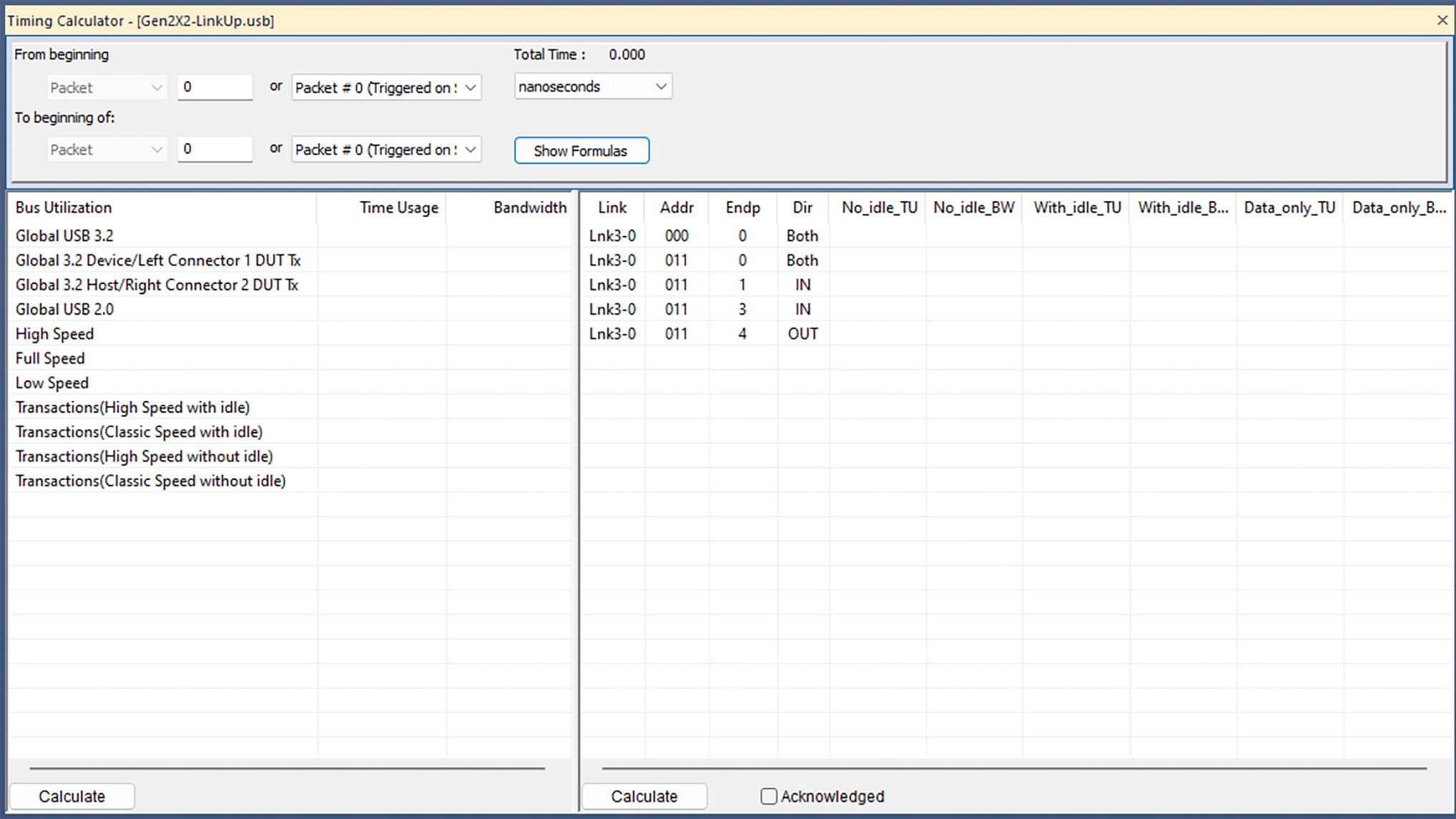
The Timing Calculator is used to measure timing between any two packets.
-
Go to Report > Timing Calculations in the Menu Bar
OR
-
Click

-
In the From beginning field, enter the first packet number or Markers.
-
In the To beginning of field, enter the last packet number or Markers.
-
In the Total Time field, select nanoseconds, microseconds, milliseconds, or seconds.
-
Click the Show Formulas button to display the Formulas window (see image below).
-
If you want to include only acknowledged packets, select Acknowledged. This excludes non-acknowledged data transfers from the calculations, leaving only the effective data transfer that the higher layers will see. (No re-tries, etc.)
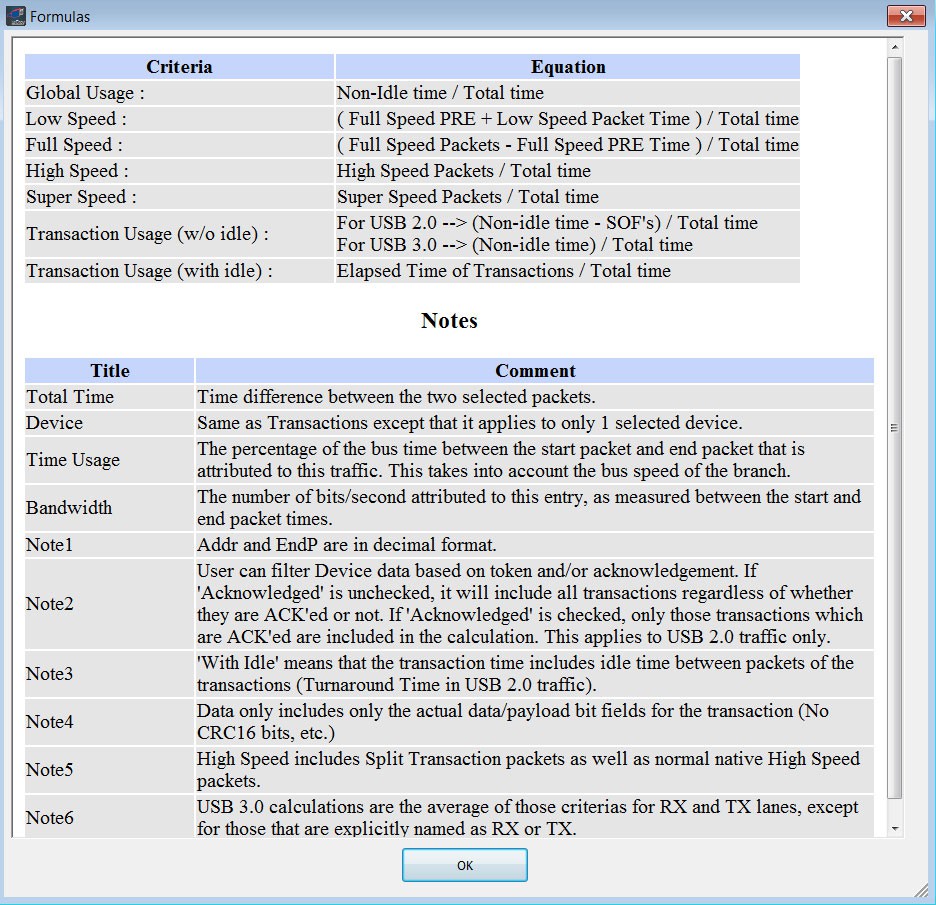
Formulas Window -
Click Calculate in the left side to display the Bus Utilization, Time Usage, and Bandwidth. Bus Utilization is:
-
Global USB 3.2
-
Global 3.2 A Host RX
-
Global 3.2 A Host TX
-
Global USB 2.0
-
High Speed
-
Full Speed
-
Low Speed
-
Transactions (High Speed with Idle)
-
Transactions (Classic Speed with Idle)
-
Transactions (High Speed without Idle)
-
Transactions (Classic Speed without Idle)
Total Time is in the Total Time field.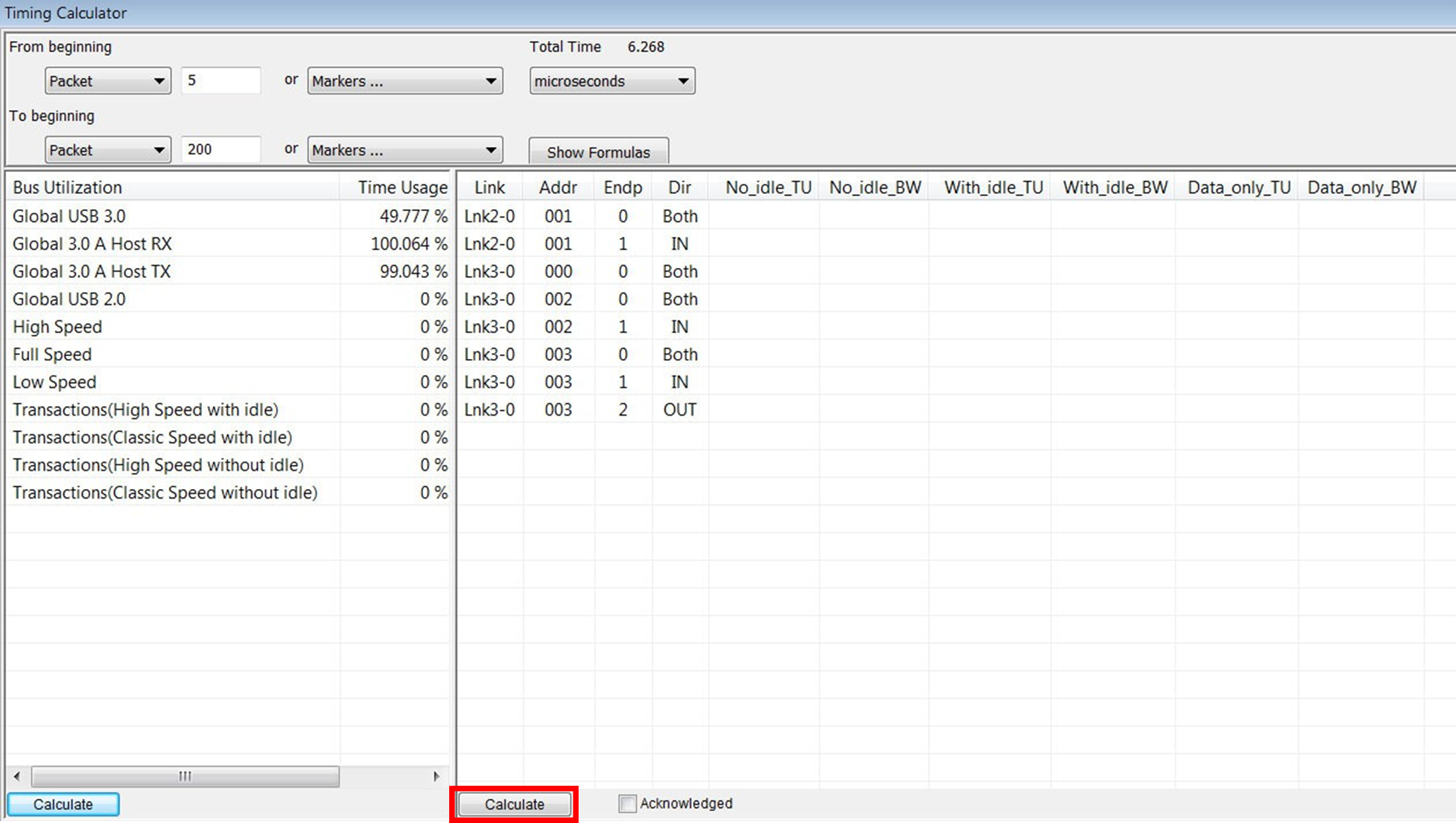
Timing Calculator Report
-
-
Click Calculate (see red arrow in the figure above) in the right side to display:
-
Address
-
Endpoint
-
Direction
-
No Idle Time Usage
-
No Idle Bandwidth
-
With Idle Time Usage
-
With Idle Bandwidth
-
Data only Time Usage
-
Data only Bandwidth
-
You can also click the Acknowledged checkbox.
NOTE: The larger the range, the more accurate bandwidth and other calculations will be. You should choose a range that includes at least a few USB frames or Microframes so that the measurements give realistic values.
USB4
For USB4, there are two calculation methods:
-
Bus Utilization (the left side of the window) includes all HS packets except Idle symbols, and calculations are performed on a per-lane and per-port basis.
-
Device Utilization (the right side of the window) includes only TLPs, and calculations are performed on a per-HopID basis.
The following formulas are used:
-
Time Usage: Total duration of all packets, divided by time.
-
Bandwidth: Total size of all packets, divided by time.
-
Payload-Only Time Usage: Total duration of all payloads, divided by time.
-
Payload-Only Bandwidth: Total size of all payloads, divided by time.