Voyager M4120
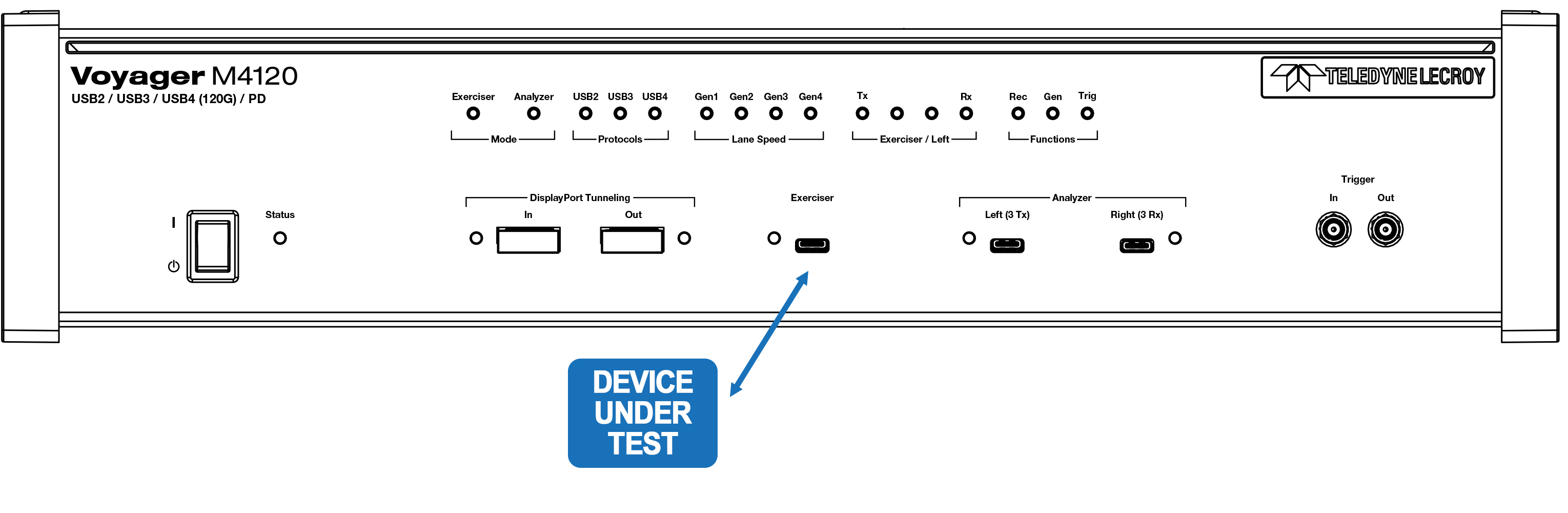
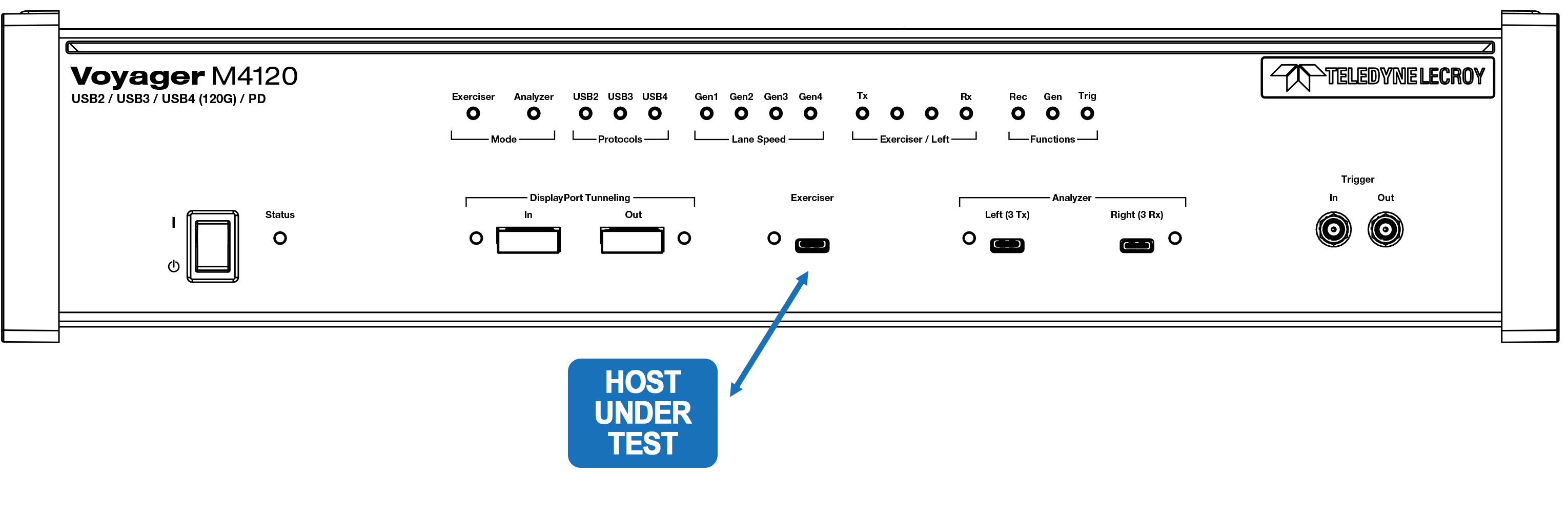
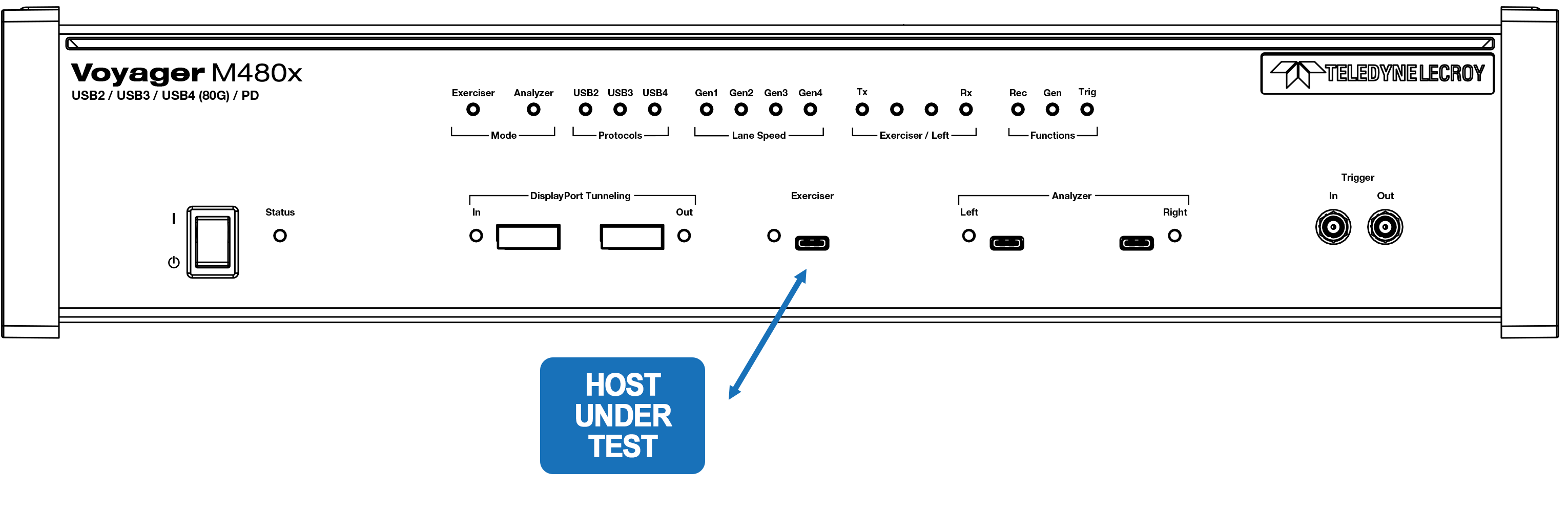
In all cases, use the USB Type-C™ connector labeled Exerciser. Selection between Host and Device emulation is done in the Recording Options window.
Voyager M480x
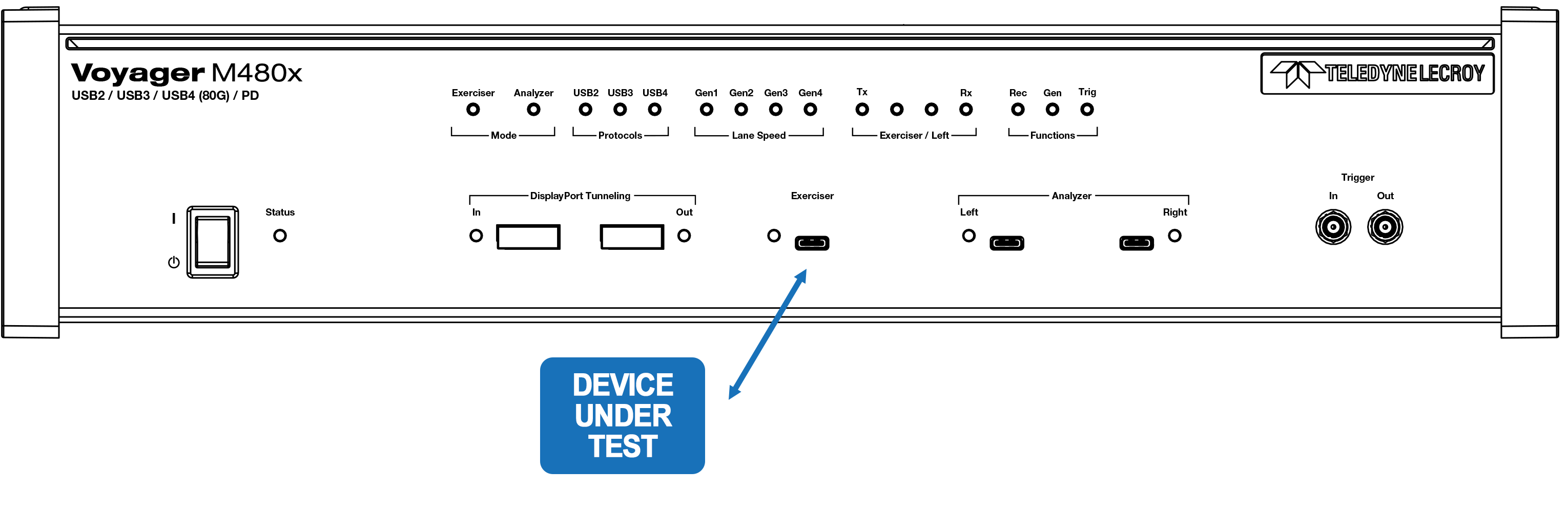
In all cases, use the USB Type-C™ connector labeled Exerciser. Selection between Host and Device emulation is done in the Recording Options window.
M4x
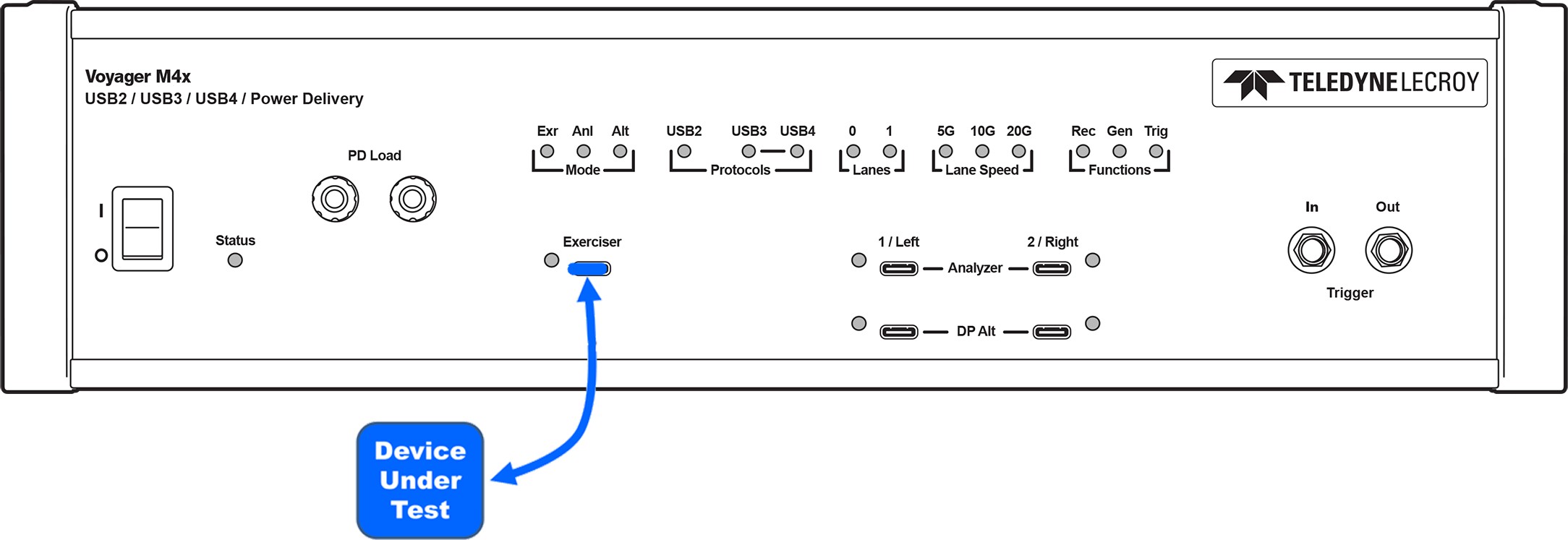
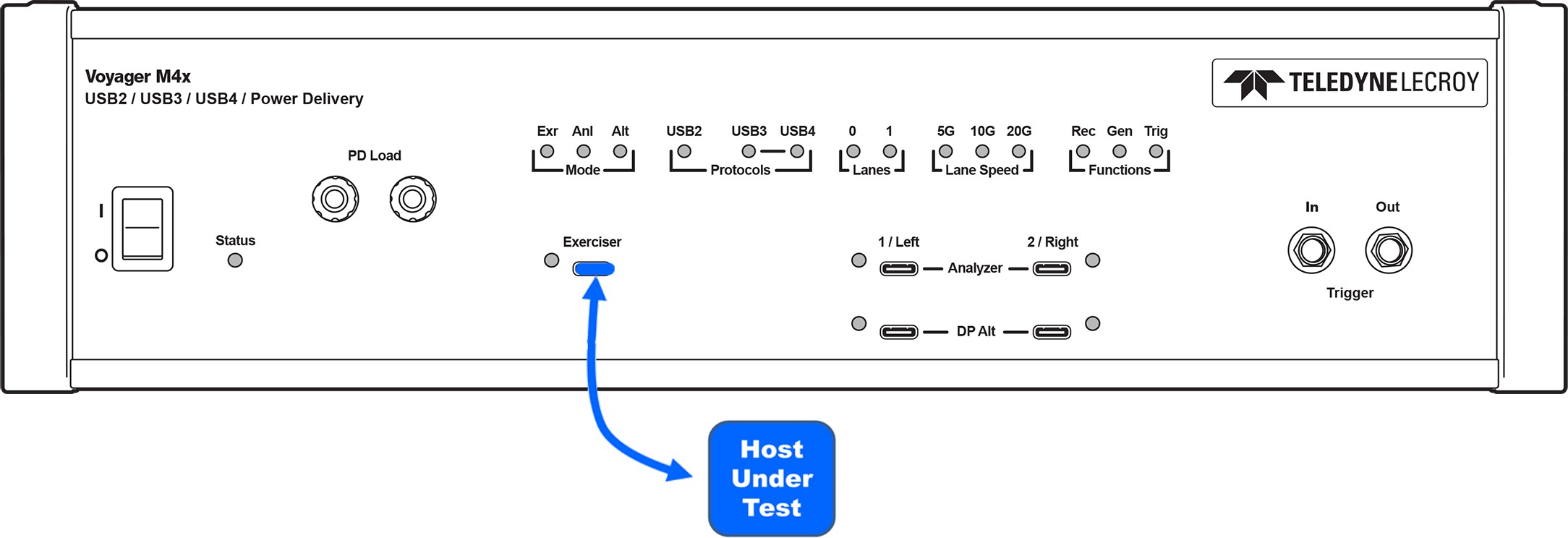
In all cases, use the USB Type-C™ connector labeled Exerciser. Selection between Host and Device emulation is done in the Recording Options window.
Connecting to Voyager M310P
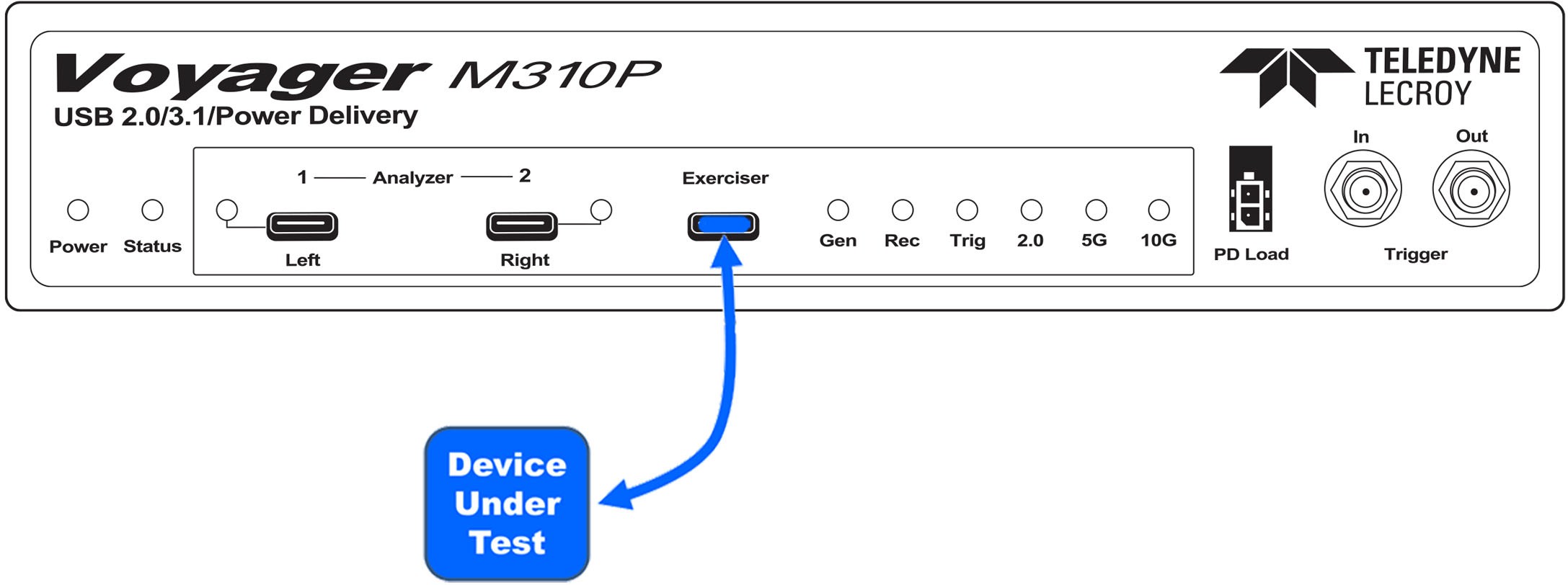
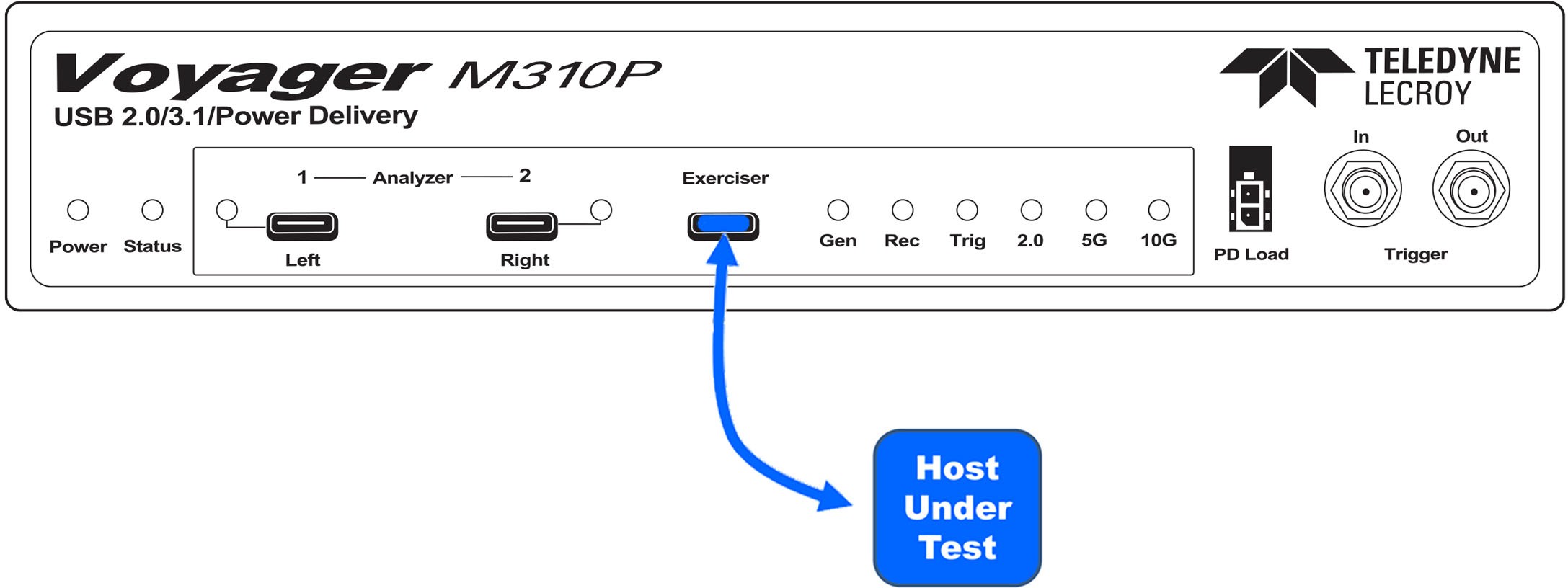
In all cases, use the USB Type-C™ connector labeled Exerciser. Selection between Host and Device emulation is done in the Recording Options window.
M310e
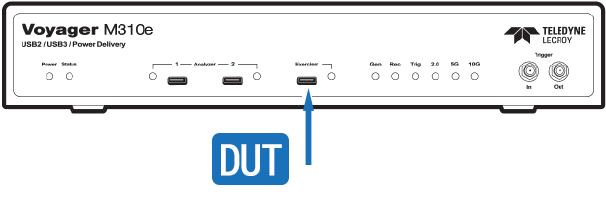
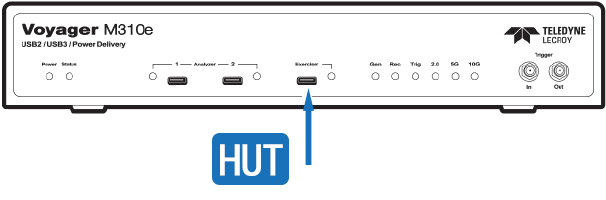
In all cases, use the USB Type-C™ connector labeled Exerciser. Selection between Host and Device emulation is done in the Recording Options window.
M310C
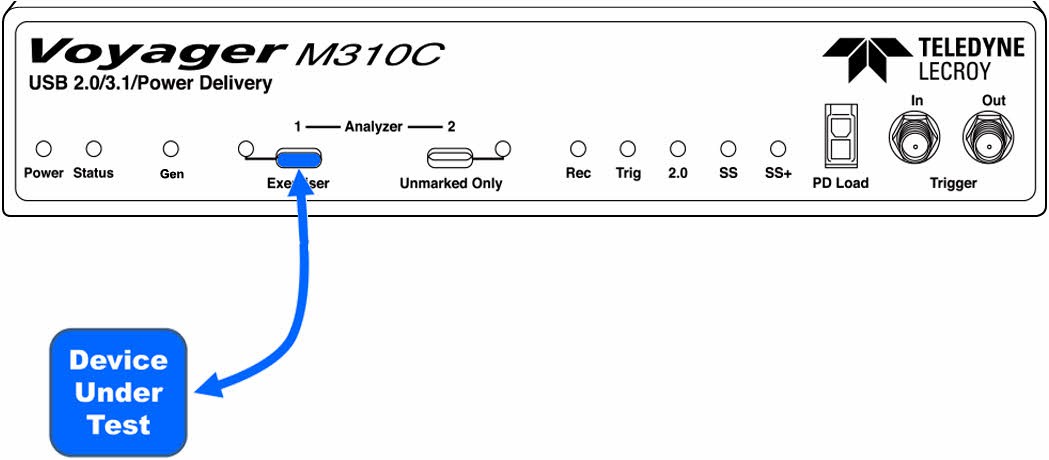
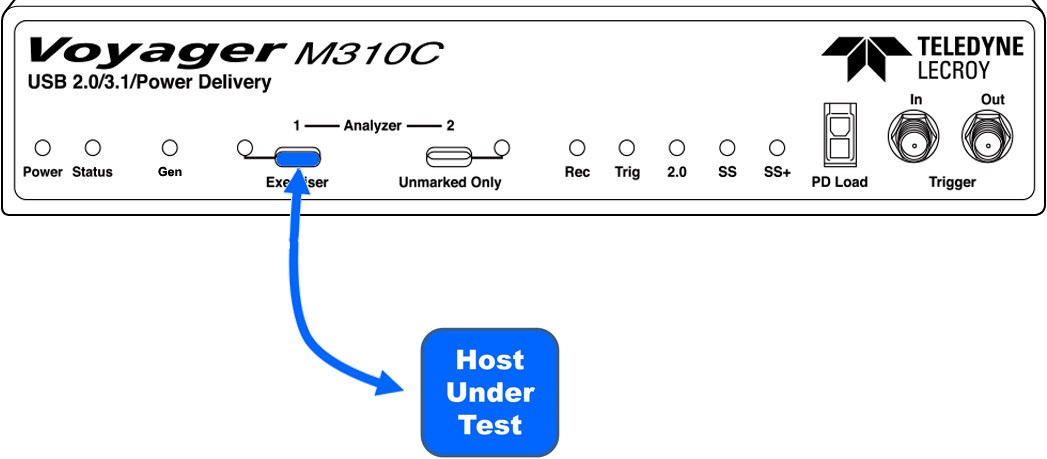
In all cases, use the USB Type-C™ connector labeled Exerciser. Selection between Host and Device emulation is done in the Recording Options window.
M310
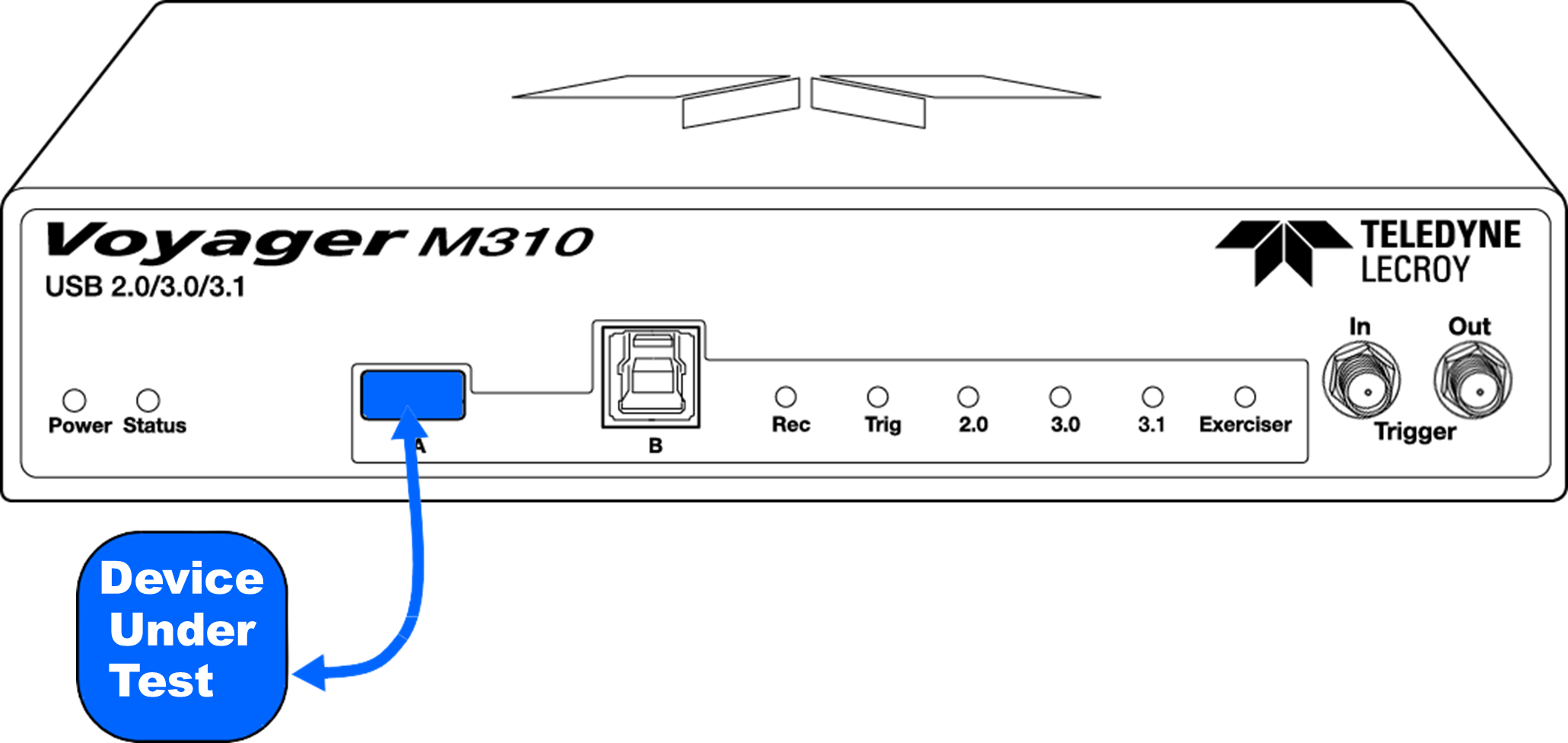
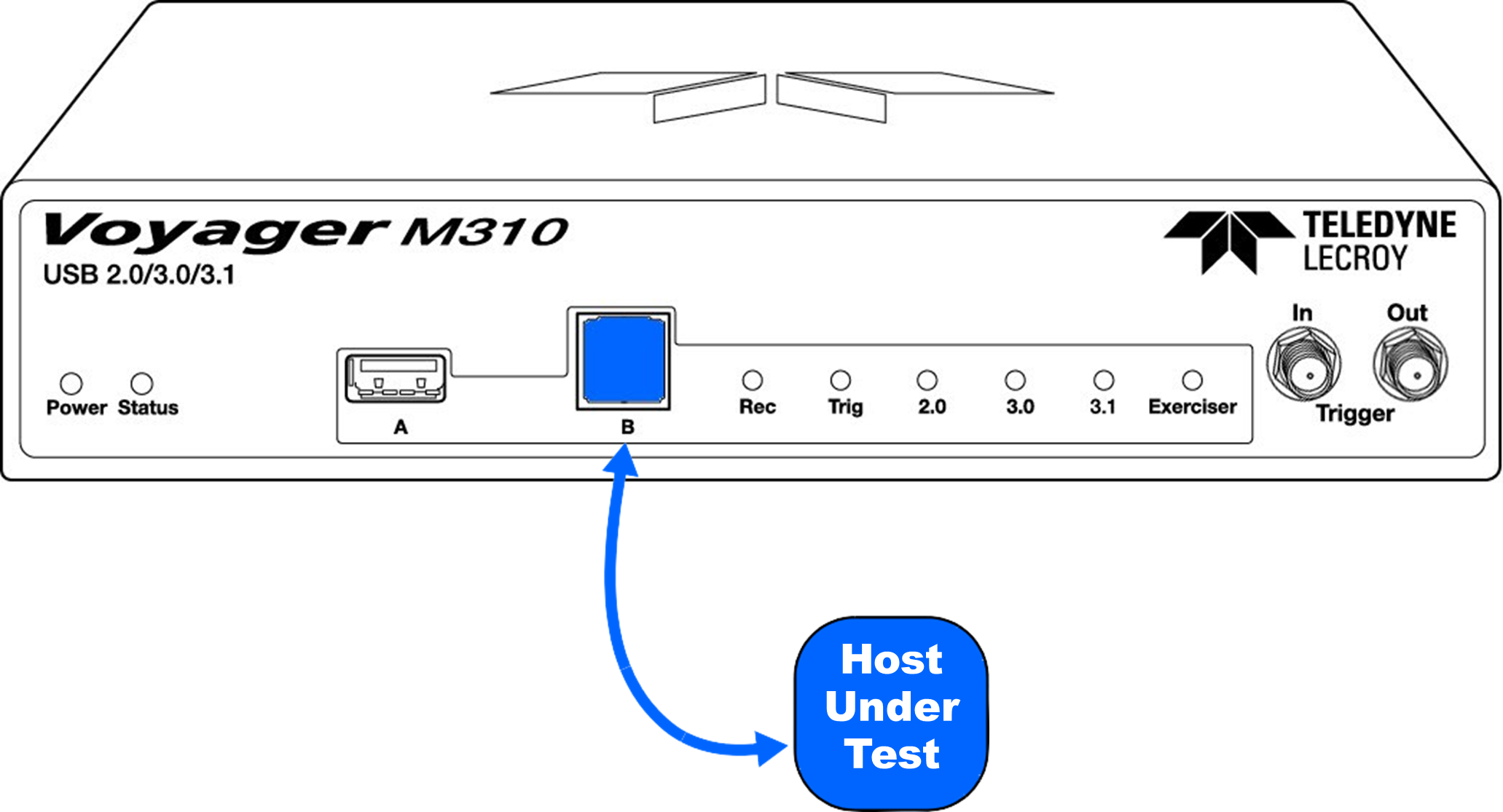
The connections differ for Host Emulation and Device Emulation. Full Speed, Low Speed, Hi Speed, and SuperSpeed connections are the same. You only need to plug into the Exerciser ports, because there is an internal analyzer tap.
Host Emulation
For Host Emulation, connect a cable from Device under Test to Exerciser A port.
Device Emulation
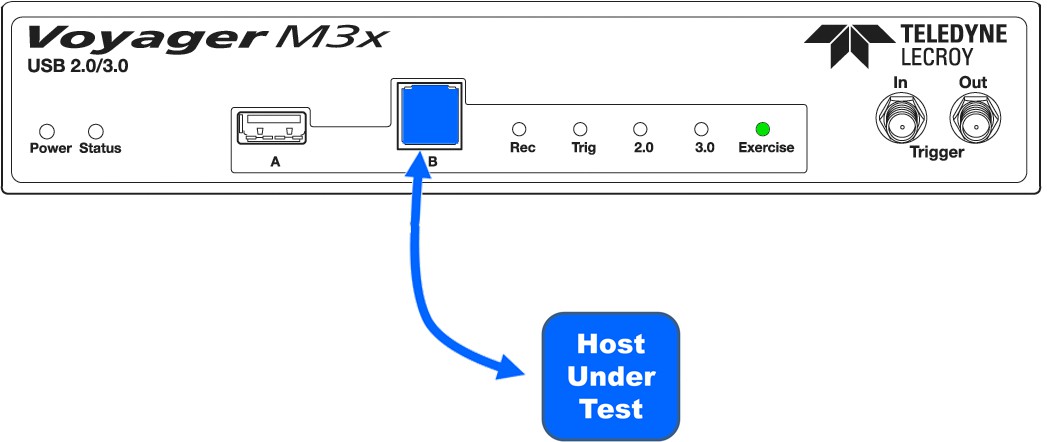
For Device Emulation, connect a cable from Host under Test to Exerciser B port.
M3x
Connecting to Voyager M3x
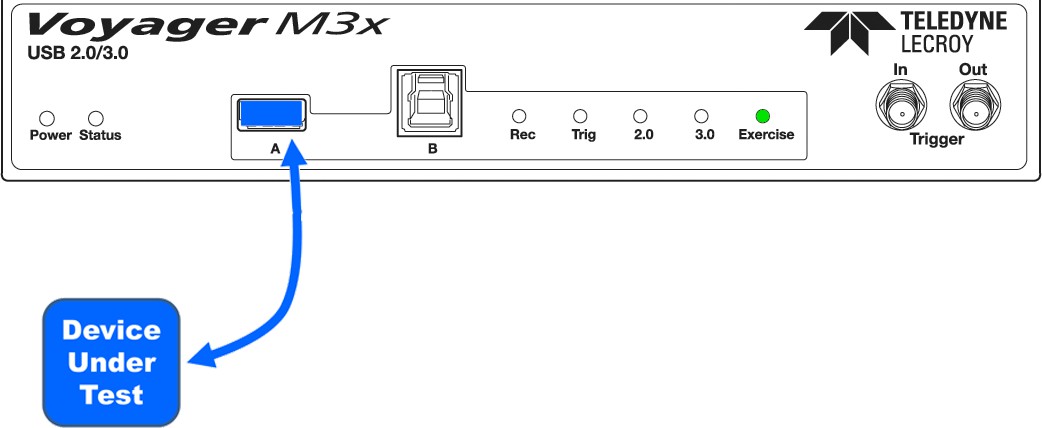
The connections differ for Host Emulation and Device Emulation. Full Speed, Low Speed, Hi Speed, and SuperSpeed connections are the same.
Host Emulation
For Host Emulation, connect a cable from Device under Test to A port.
Device Emulation
For Device Emulation, connect a cable from Host under Test to B port.