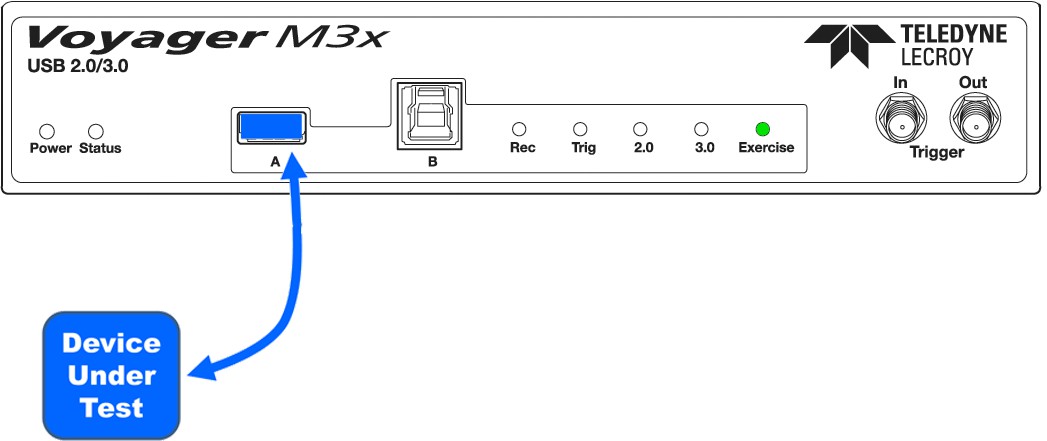
Voyager M3x
The connections differ for Host Emulation and Device Emulation. Full Speed, Low Speed, and Hi Speed connections are the same.
Hi/Full/Low Speed Host Emulation
For Host Emulation Hi, Full, or Low Speed, connect to the Voyager according to the following diagram.
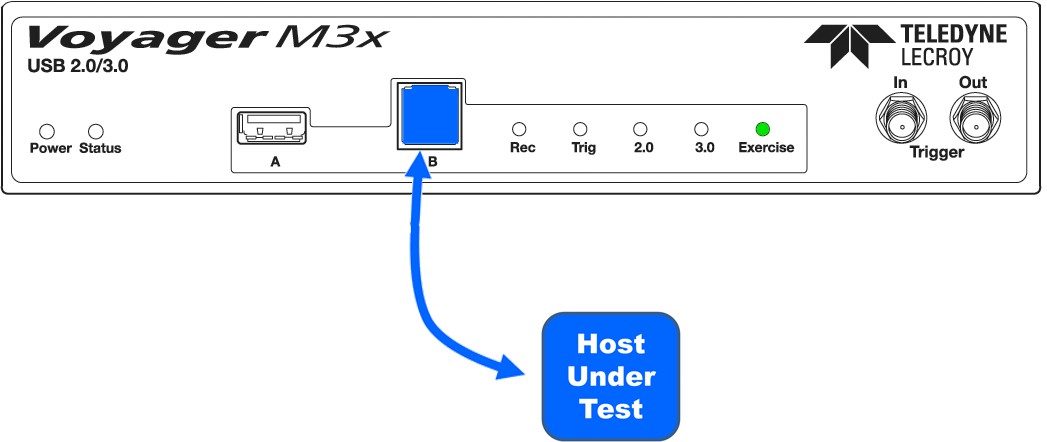
Hi/Full/Low Speed Device Emulation
For Device Emulation Hi, Full, or Low Speed, connect to the Voyager according to the following diagram.
Voyager M310
The connections differ for Host Emulation and Device Emulation. Full Speed, Low Speed, and Hi Speed connections are the same.
Hi/Full/Low Speed Host Emulation
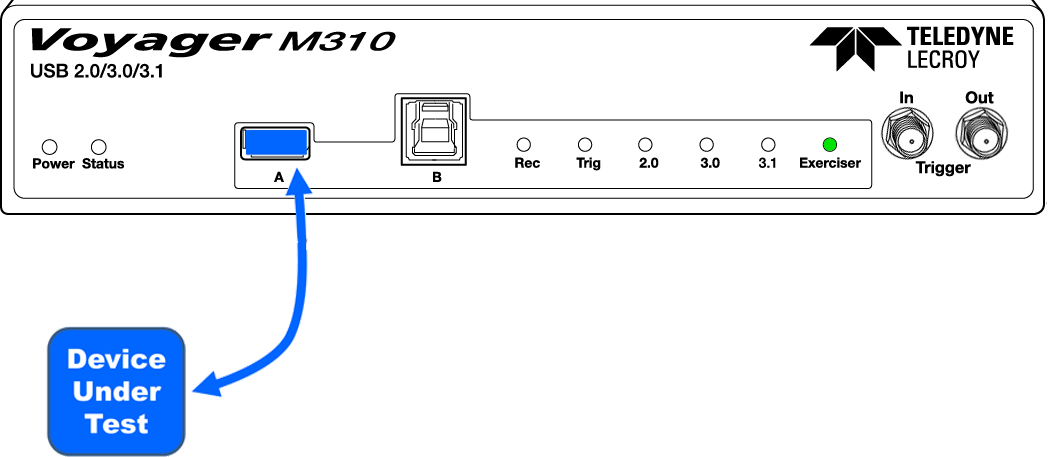
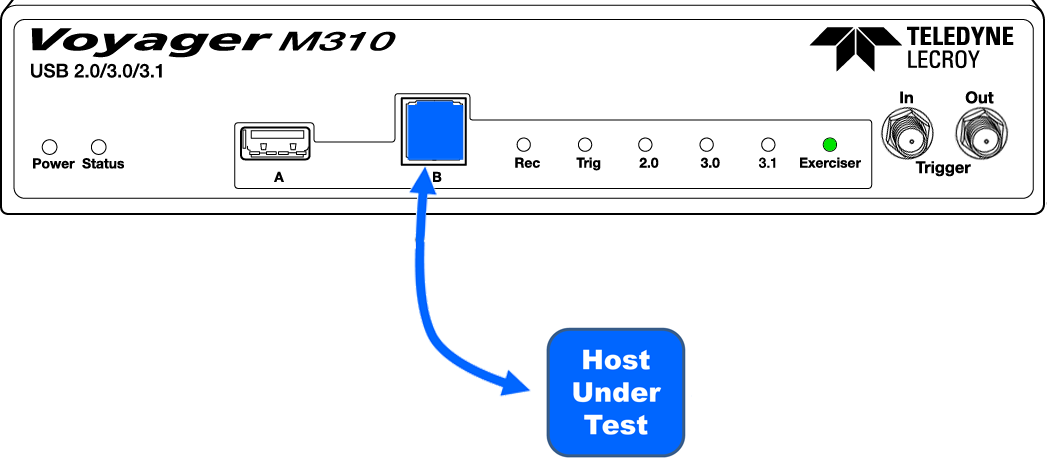
For Host Emulation Hi, Full, or Low Speed, connect to the Voyager according to the following diagram (Figures 11.3 and 11.4).
Hi/Full/Low Speed Device Emulation
For Device Emulation Hi, Full, or Low Speed, connect to the Voyager according to the following diagram.
Voyager M310C
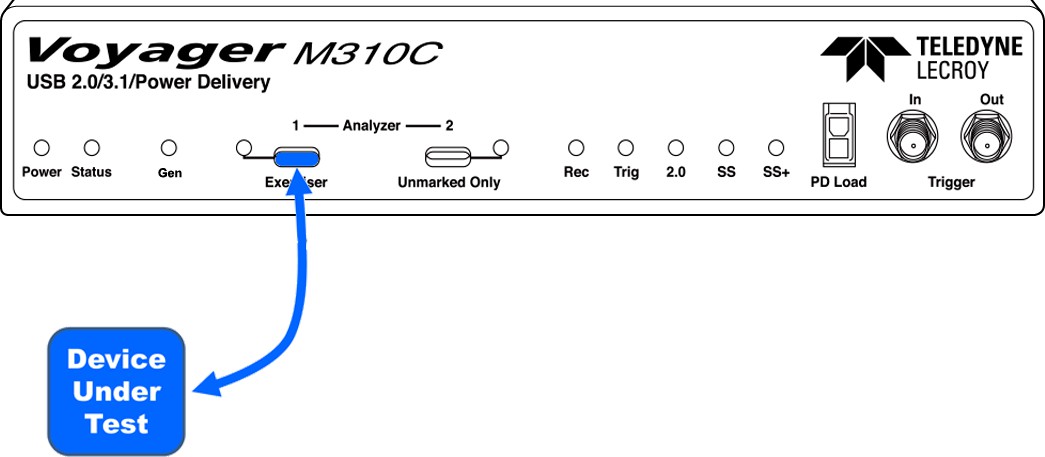
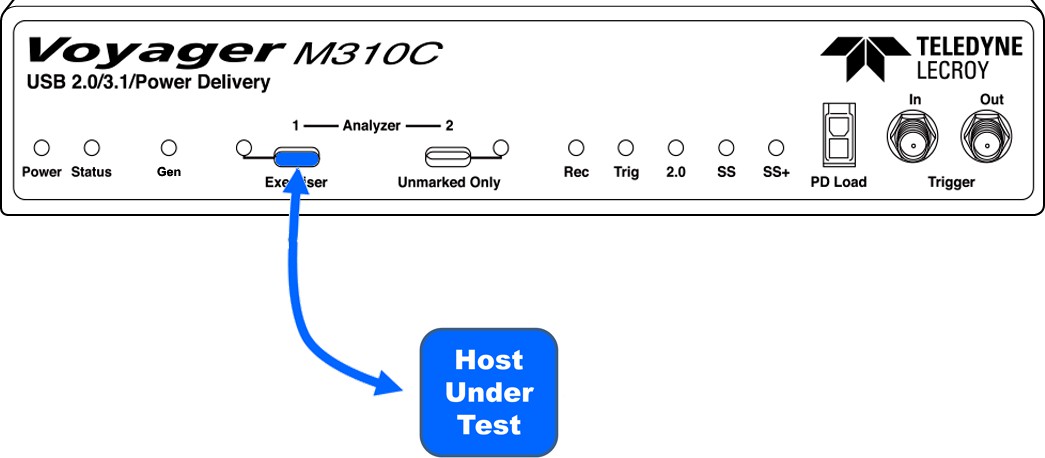
In all cases (Low Speed, Full Speed, Hi Speed) you attach to the left USB Type-C connector (the one with “Exerciser” written below it.) Selection between Host and Device emulation is done in the Recording Options dialog.
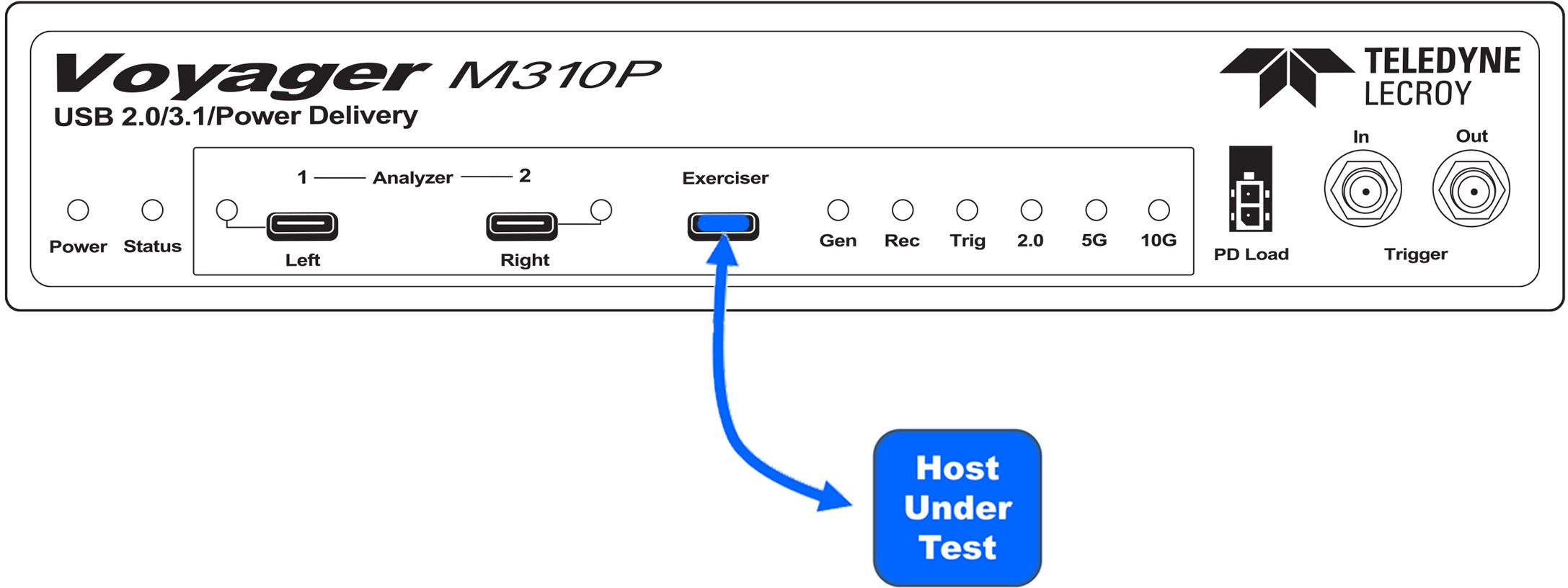
Voyager M310P
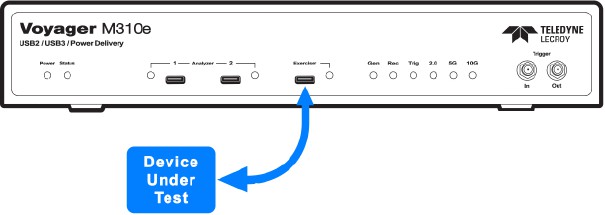
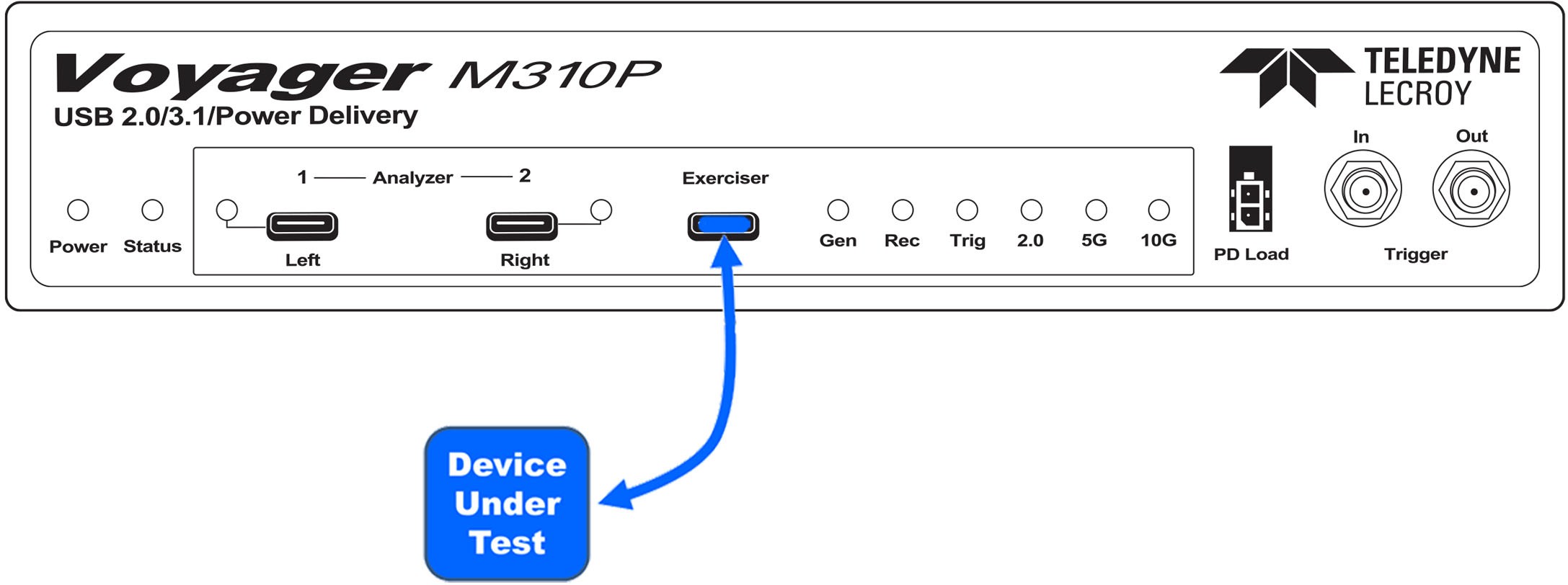
In all cases you attach to the USB Type-CTM connector (the one with “Exerciser” written above it). Selection between Host and Device emulation is done in the Recording Options dialog.
Voyager M310e
In all cases you attach to the USB Type-CTM connector (the one with “Exerciser” written above it). Selection between Host and Device emulation is done in the Recording Options dialog.